
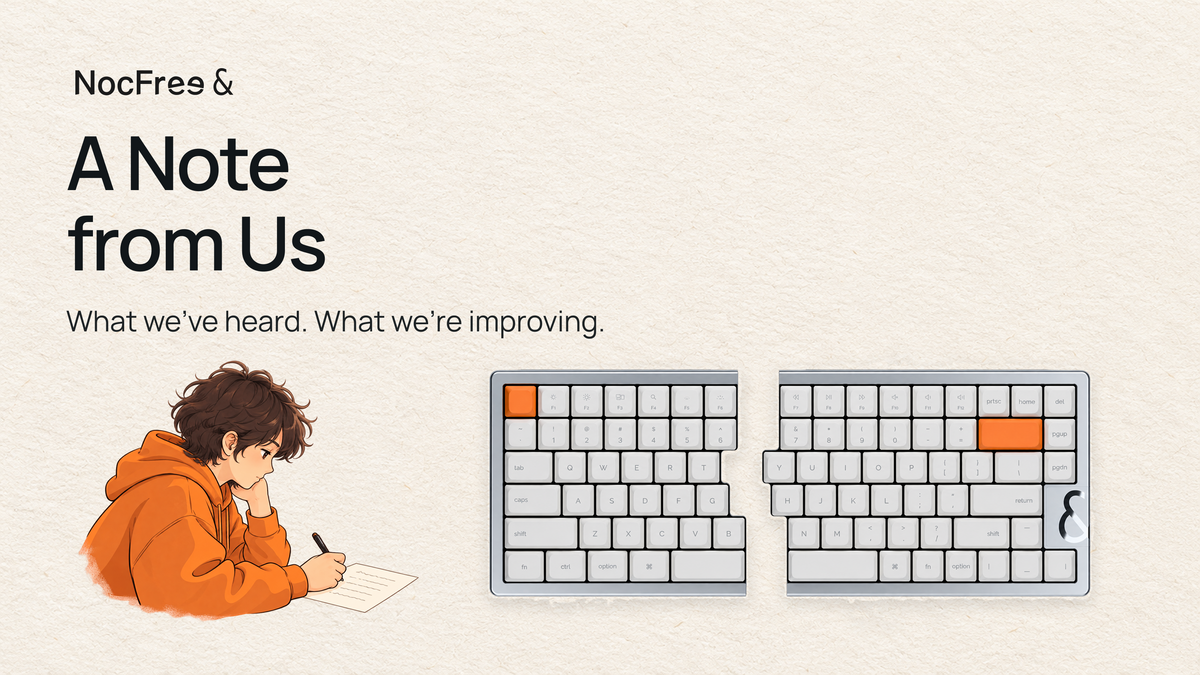
Thank you to everyone who supported the first batch of NocFree &. You trusted us before trying the keyboard, waited longer than expected, and many of you took the time to send videos and help us understand the problems you were having.
We wanted & to be a keyboard you could comfortably use every day. For some of you, it hasn’t been that yet. We’re sorry for the wait and the time you’ve spent troubleshooting.
Your feedback is shaping the changes we’re making. Here’s where things stand, what we’re working on, and how we can help with the keyboard you already have.
Shipping: Where Things Stand
Getting the first batch ready took longer than we expected. We know how disappointing it was to expect your keyboard and then have to wait again. Thank you for your patience. We’re sorry we couldn’t get it to you when we said we would.
As of this update, all orders have shipped except for some pending service and replacement orders, and those held at customers’ request. We’re following up on each remaining order and keeping those customers updated.
If your package hasn’t arrived or tracking hasn’t moved for a while, please get in touch. We’ll help find out what’s happening.
Typing and Wireless Connection
Some of you have experienced delayed or missed keystrokes, characters repeating after releasing a key, or the right half stopping responding. We’ve also heard about Bluetooth pairing and reconnection problems after sleep. We know these interruptions make it hard to trust your keyboard. Fixing them comes first.
Our engineers have traced some issues to firmware communication and key-state handling. We’re also checking the wireless hardware and working to make communication between the halves more reliable, improve recovery after interruptions, and keep background tasks from affecting typing. Battery readings and lighting sync are being improved too.
Firmware 2.4.5 is the current official release. If you’re on an older version, please follow our update guide.
If the problem continues, press Fn + I to check your version and tell us your connection mode, which half is affected, and what you’ve tried. If you need a hand, we can walk through it together on a one-on-one video call.
Keycaps and Quality Checks
Some first-batch keyboards arrived with printing errors, uneven color, misplaced or reversed keycaps, or surfaces that weren’t properly cleaned. These should have been caught before shipping. We’re sorry your new keyboard arrived needing attention from you.
For the second batch, we’re revising the keycap design and printing process, along with assembly and final checks.

If your order arrives with incorrectly fitted parts, missing items, or cosmetic issues, please send us your order details and photos, ideally within seven days of delivery. We’ll review the issue and arrange a replacement or send the appropriate parts.
The keycap design and what’s changing View details Hide details
The first batch uses PBT dye-sub keycaps with simple legends. They aren’t shine-through, so the backlight glows around the edges rather than through the characters.
For the second batch, we’re developing our own molds and adjusting the shape, surface texture, and underside to improve printing consistency. We’re also improving checks for keycap placement, orientation, layout, and cleanliness.
Switch Feel and Key Response
Your feedback has highlighted a few issues with key response, including sticking, slow return, unusual noises, and keys not registering. We’re revising the switches for the second batch alongside changes to the keycaps.
If an individual key sticks or doesn’t return properly, you can try replacing its switch with a spare included in the package. If you haven’t done this before, we’re happy to walk you through it. Please also contact us if the replacement doesn’t help or a larger key, such as the spacebar, is affected.
Why we chose light, low-profile switches View details Hide details
We developed the first-batch switches with our switch manufacturer. We wanted a light typing feel with shorter travel, while the silent version uses internal damping to soften the sound.
That light feel still needs reliable return and consistent quality. We’re checking switches, lubrication, and stabilizers separately to understand what’s causing each issue. We’ll share the revised specifications and test results in a future post.
Tenting, Charge & Stand Kit
The Tenting, Charge & Stand Kit should hold your keyboard comfortably and securely, but the first batch hasn’t always done that. Silicone pieces can come loose, the fit can be unstable, and charging contact isn’t always reliable. The Korean layout also needs a better fit.
For the second batch, we’re increasing silicone coverage and improving how the parts fit and stay in place.

The current plan is to remove charging from the base while keeping angle support, magnetic attachment, and storage. We’ll share the final configuration and what this means for existing owners once those arrangements are confirmed.
If your base is making it difficult to use your keyboard, please get in touch. We’ll help check what’s happening and work through the next steps with you.
Why the silicone was removable View details Hide details
The base was designed to raise the inner edge of each keyboard half while leaving you free to adjust their positions. The silicone protects against scratches and knocks from direct metal contact.
We left the silicone removable to accommodate the structure and allow access for servicing. But removable parts should still stay secure during everyday use. The second-batch design adds locating ledges and clips along the edges to hold them more securely.
The Numpad
Before shipping, we changed the numpad to work independently of the main keyboard, based on what you told us you wanted.
All numpads shipped support Bluetooth and wired USB connections. They do not connect through the main keyboard’s 2.4 GHz receiver.
The numpad remembers up to three Bluetooth devices and lets you switch between them. You can configure key mappings over USB. If you need a hand connecting it or setting up your keys, we’re happy to help.
Why we changed the connection setup View details Hide details
Originally, both keyboard halves and the numpad were going to share one connection. But people wanted to use the numpad on its own, add one later, or place it farther away on their desk.
The original setup limited those options, so we changed it to connect independently before shipping.
Get in Touch
If you need help, we offer one-on-one video troubleshooting for all users. We also have local repair service locations in the US and South Korea. Please contact us before sending anything in so we can confirm the arrangements.
- South Korea: help.kr@nocfree.com
- Other regions: contact@nocfree.com
Please include your order number, a description of the problem, and photos or a video if possible. If we’ve spoken before and the issue is still unresolved, reply in the same thread. We’ll pick up from the steps you’ve already taken.
What Comes Next
We’ll share the second batch’s design changes and testing progress in NocFree &: What We’re Changing Based on First-Batch Feedback. We’ll continue supporting first-batch owners too. If parts or hardware service are needed, we’ll review the issue with you and agree on the next steps.
Thank you for making room for & on your desk and telling us honestly when it hasn’t worked as it should. We’ll keep working on the problems, testing the changes, and sharing our progress.
The NocFree Team

コメントを書く
このサイトはhCaptchaによって保護されており、hCaptchaプライバシーポリシーおよび利用規約が適用されます。