
Type in Style
A refined, slimmer evolution of split comfort
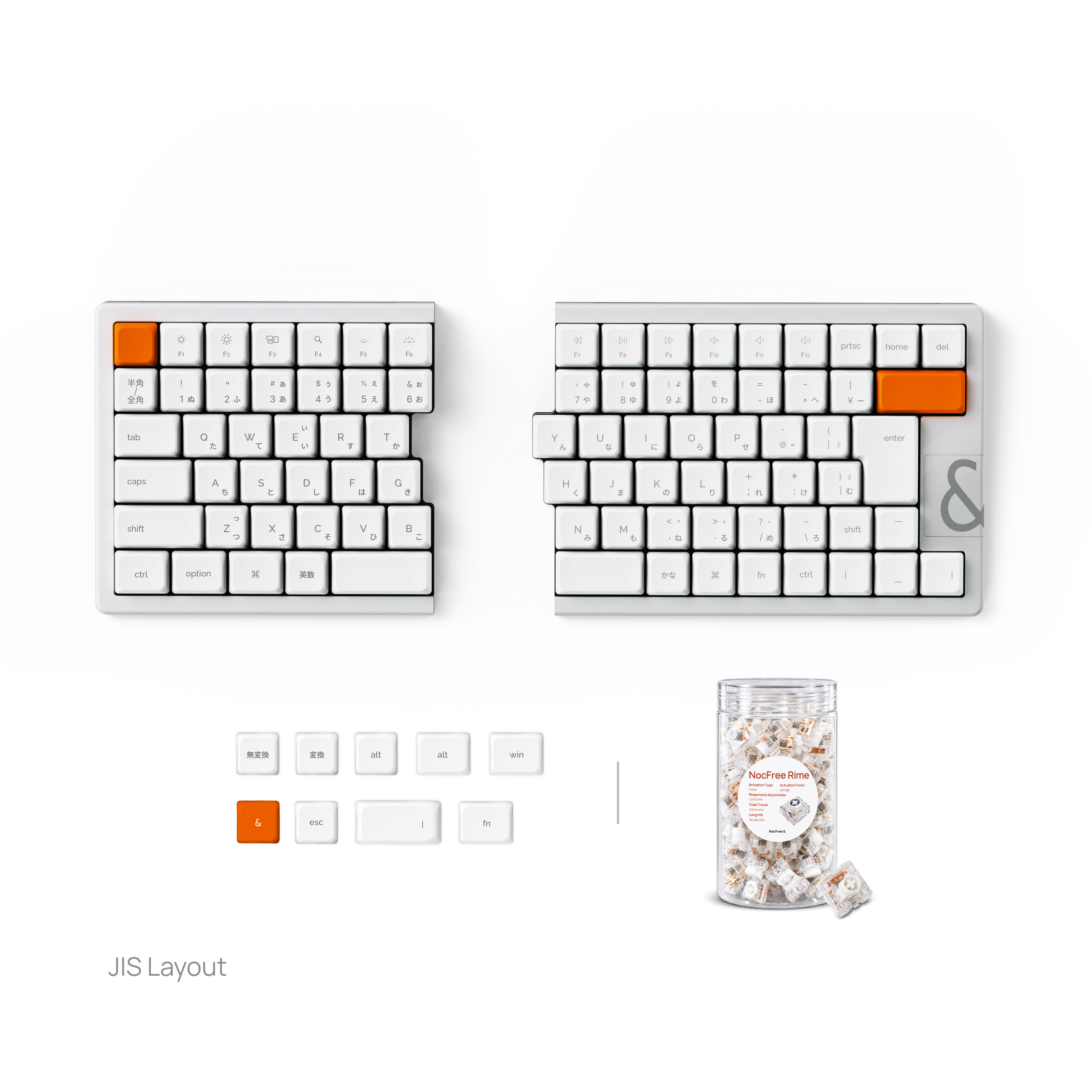
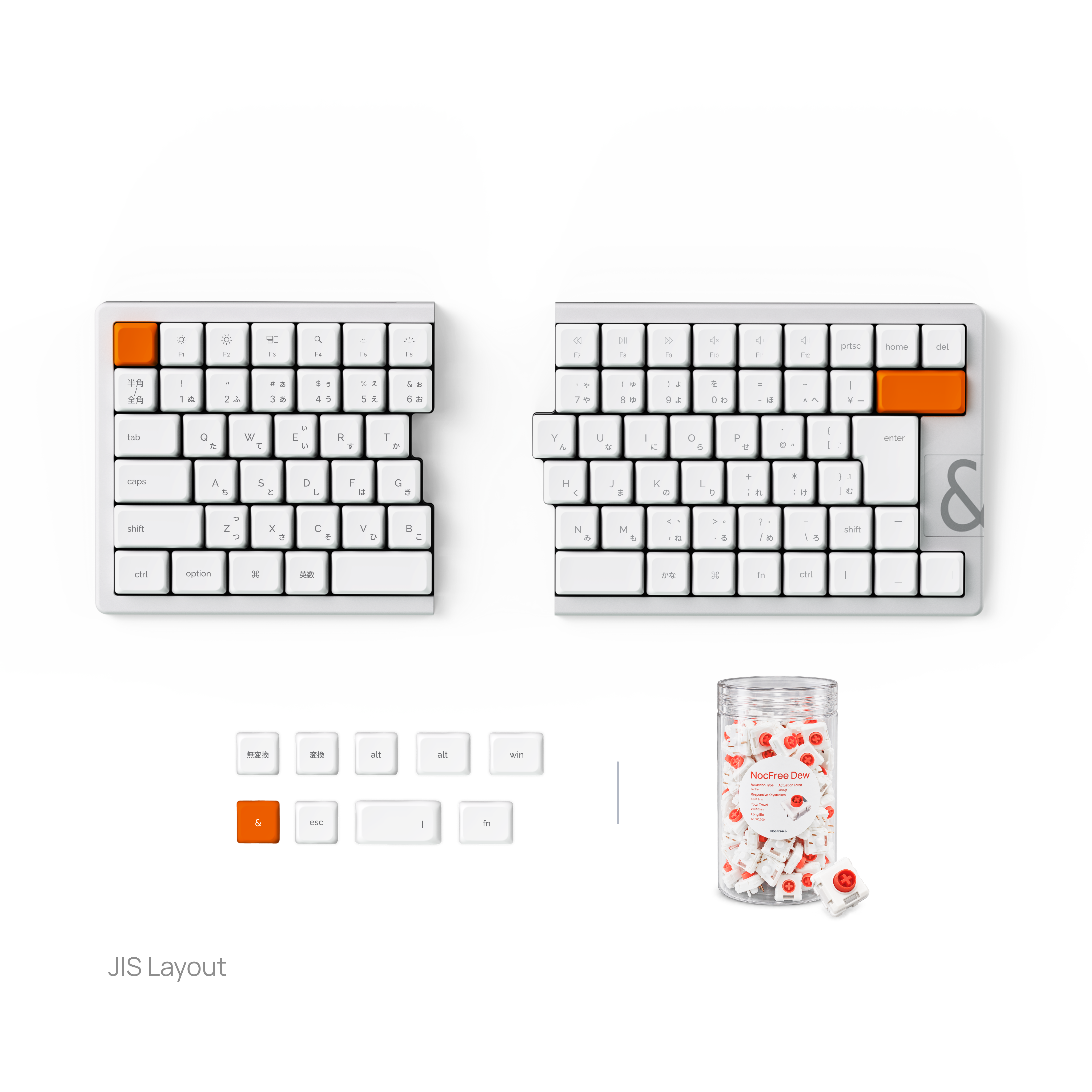
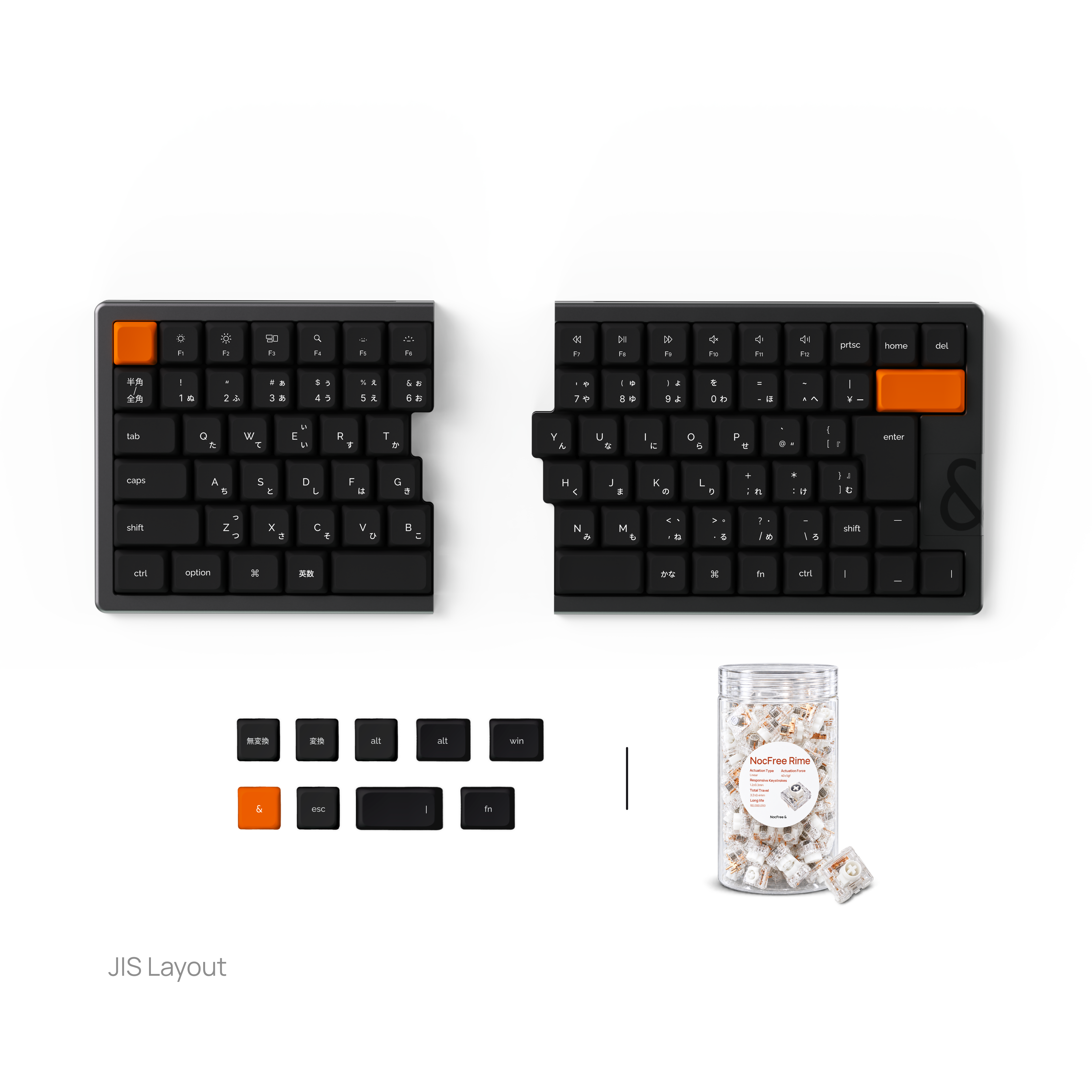
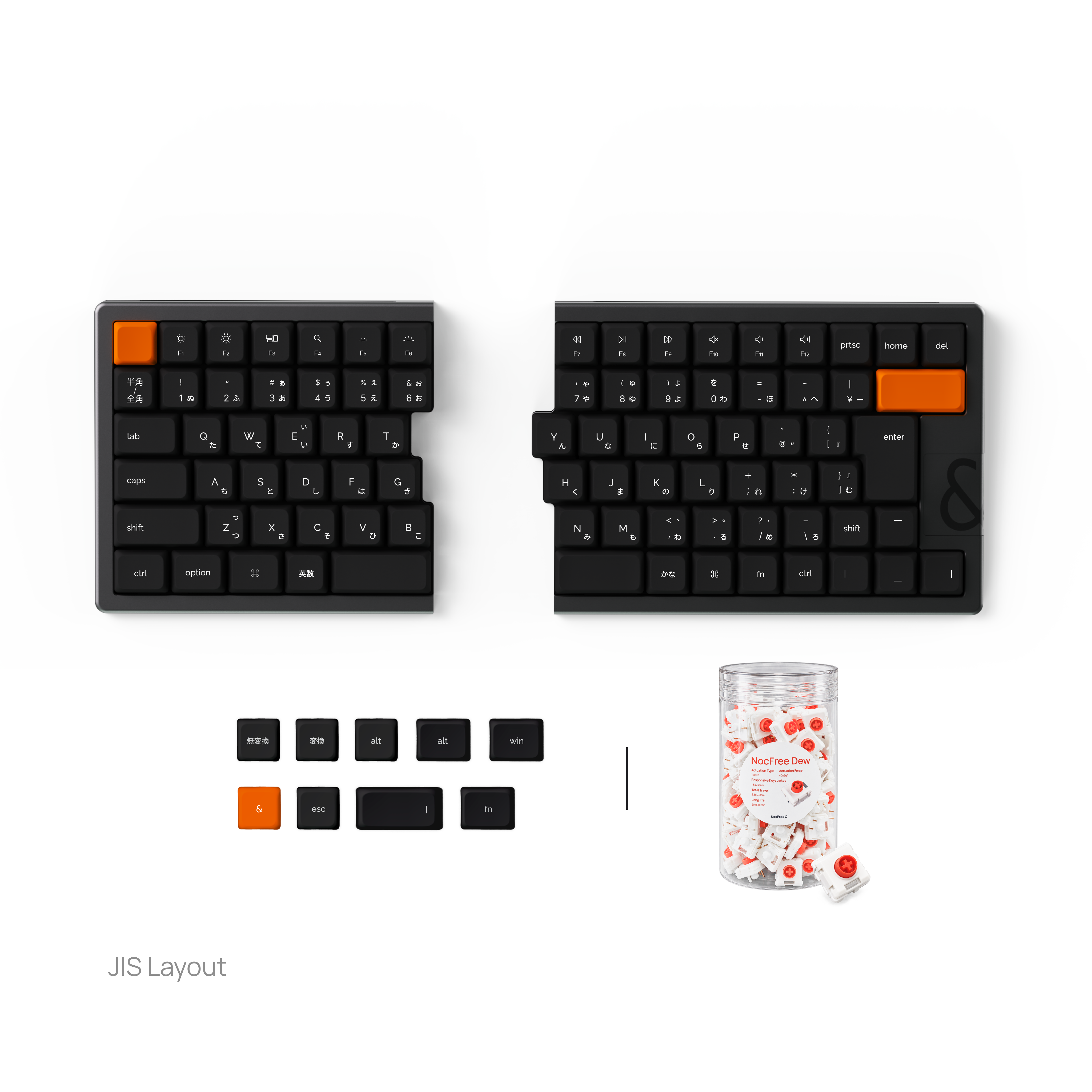
Pre-order
NocFree & Wireless Split Ergonomic Keyboard
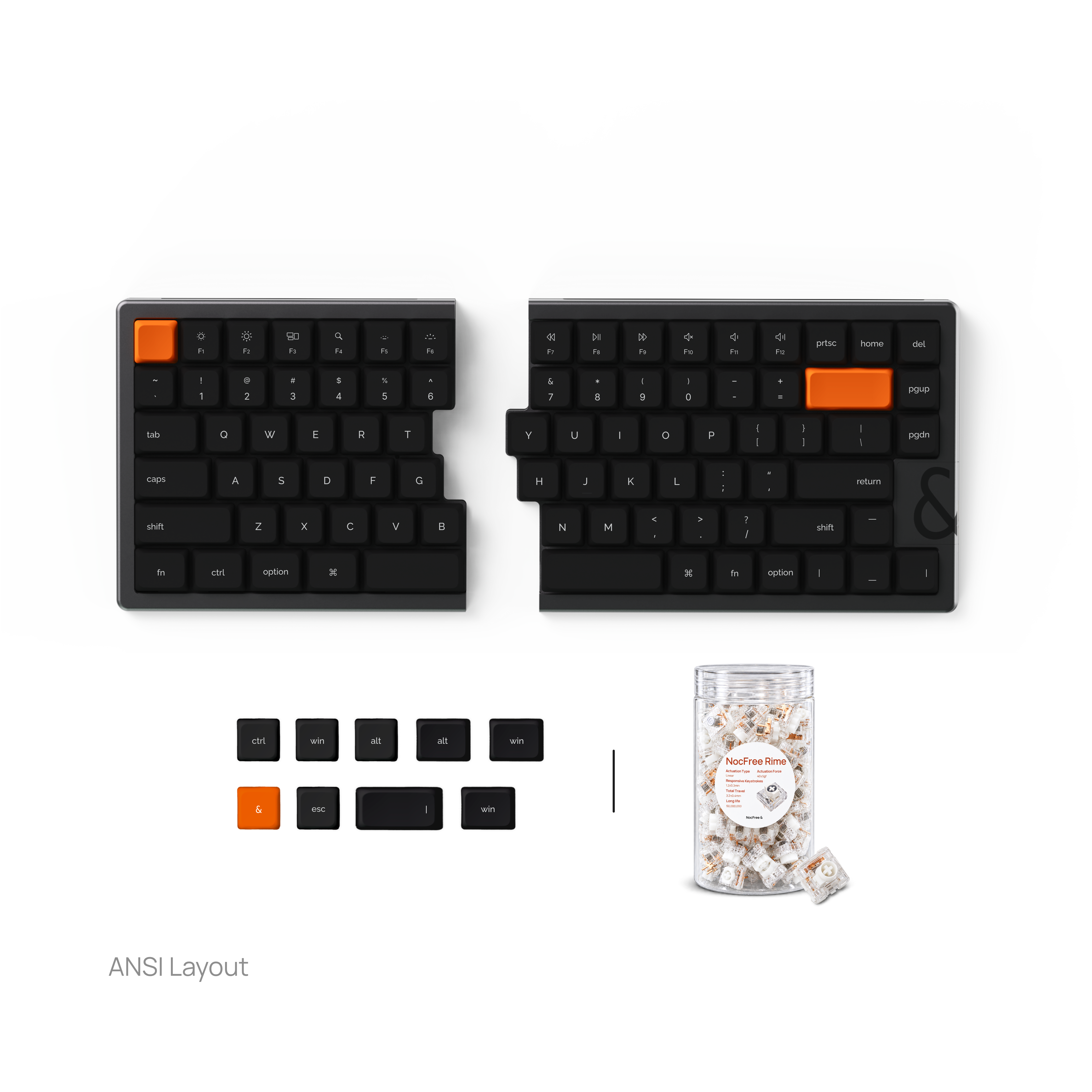
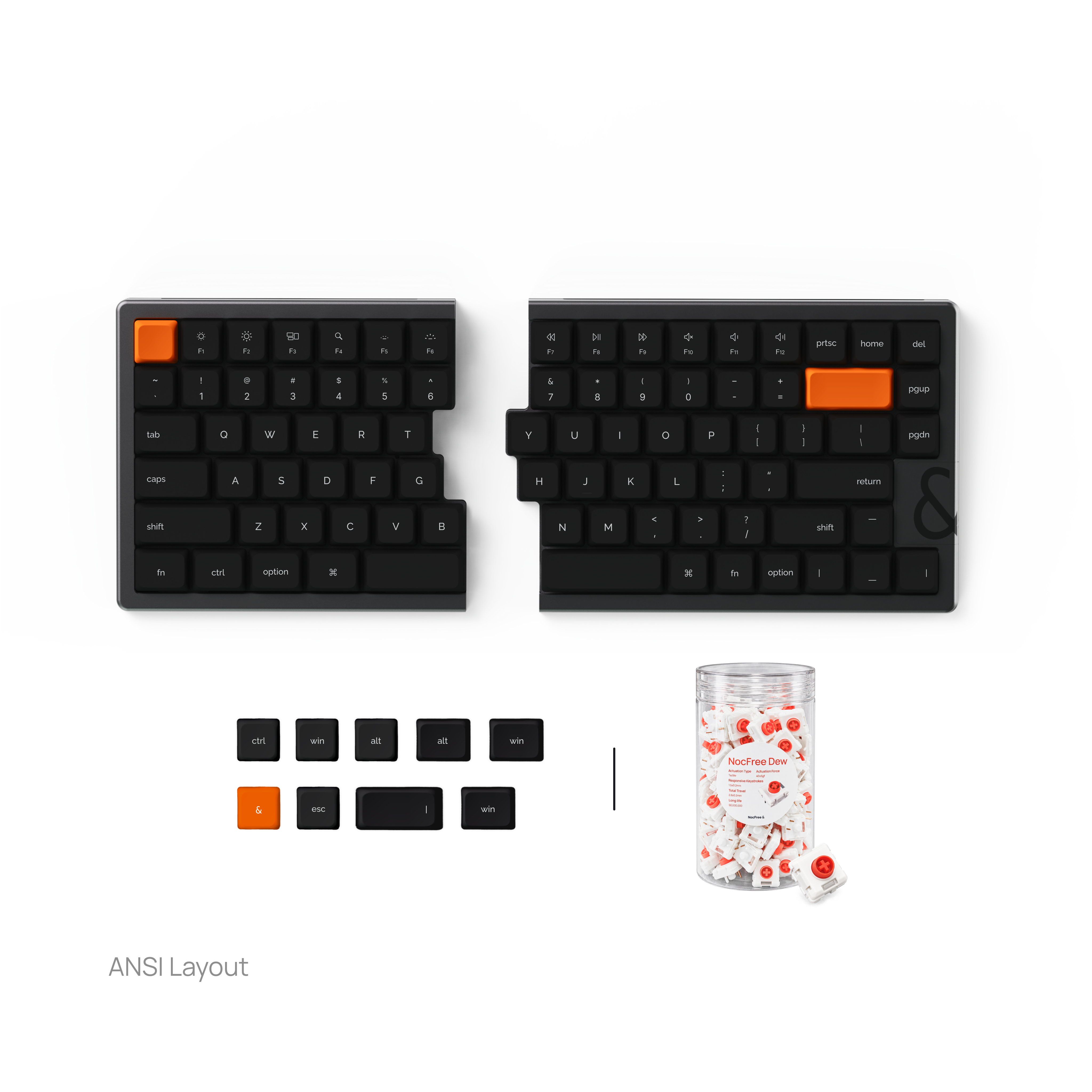
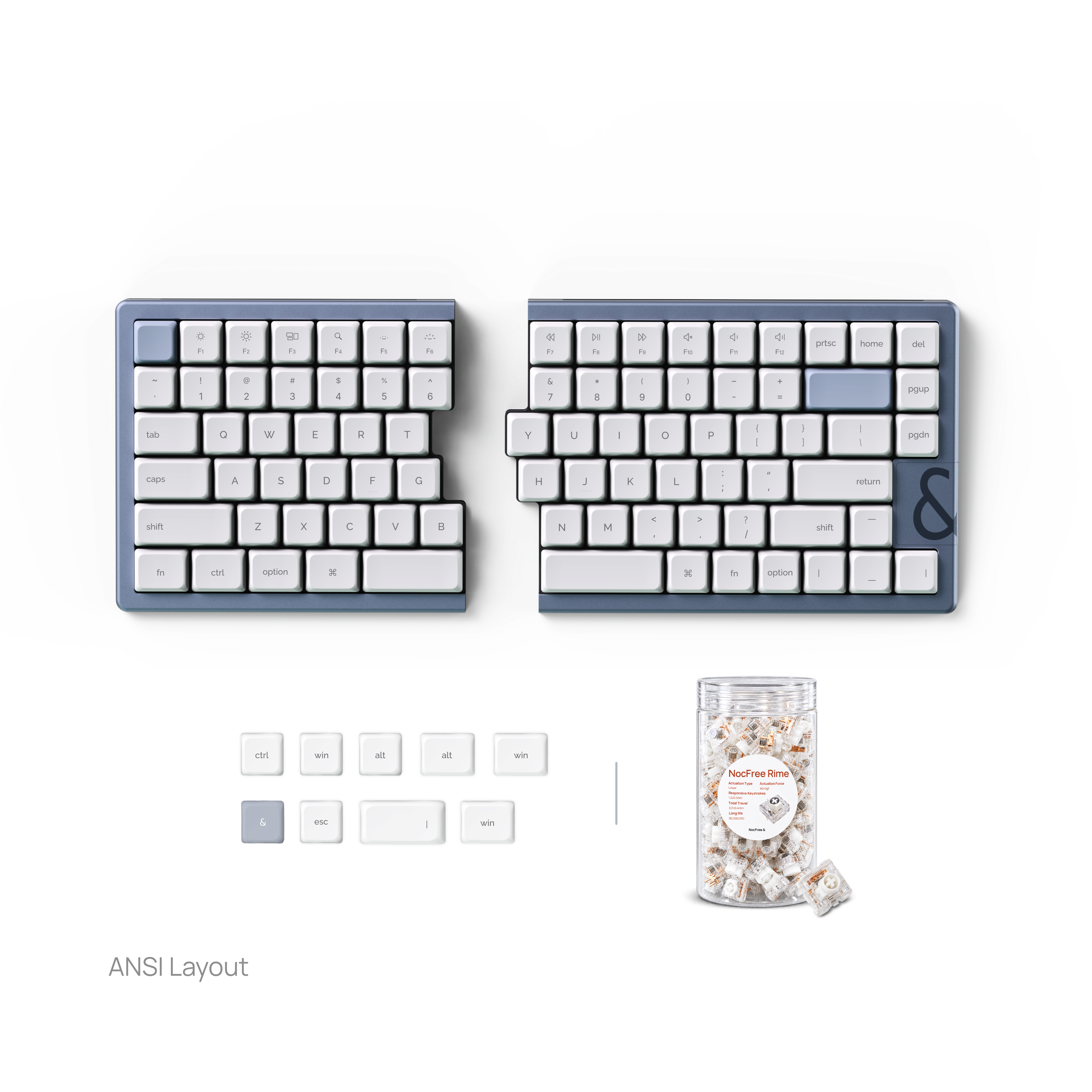
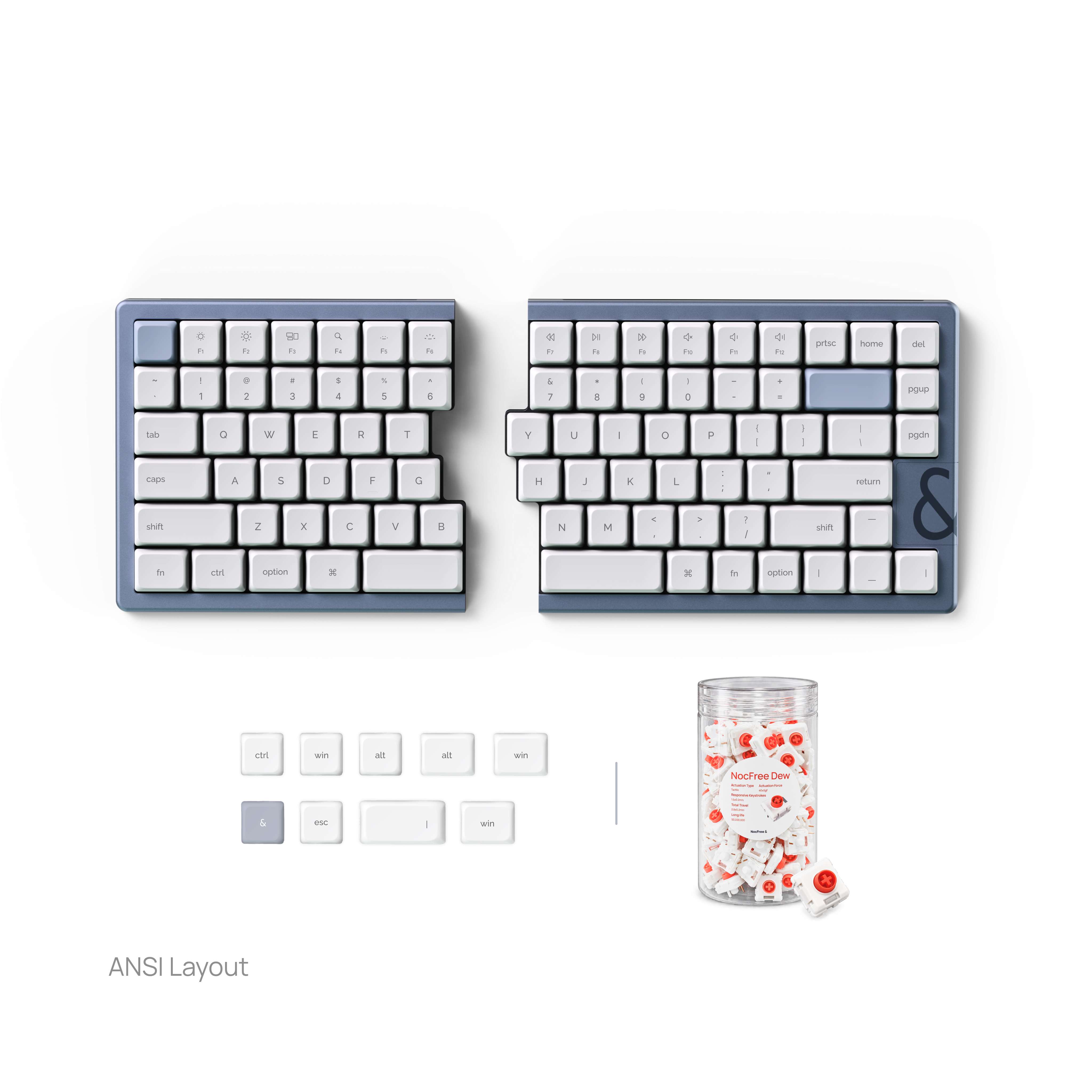
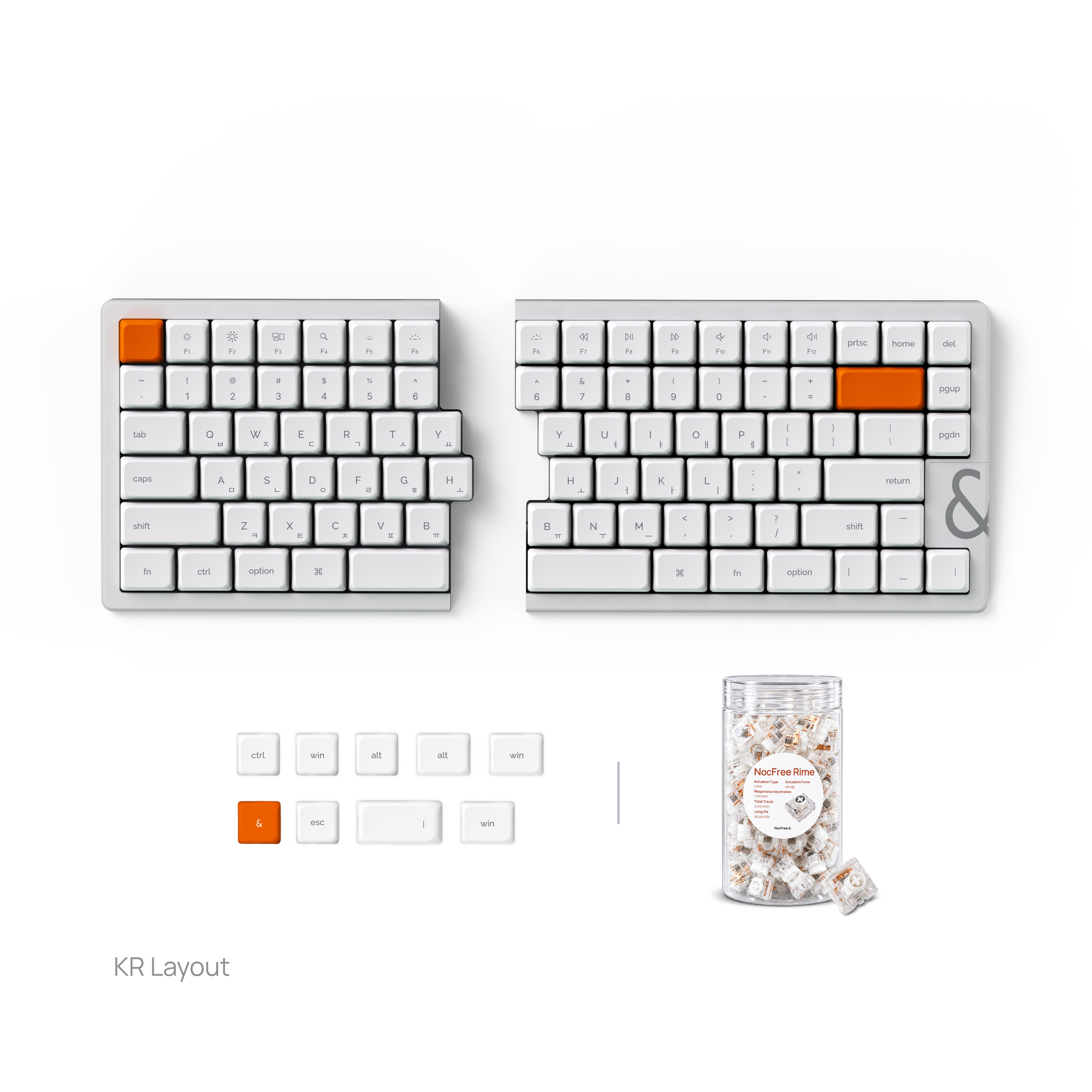
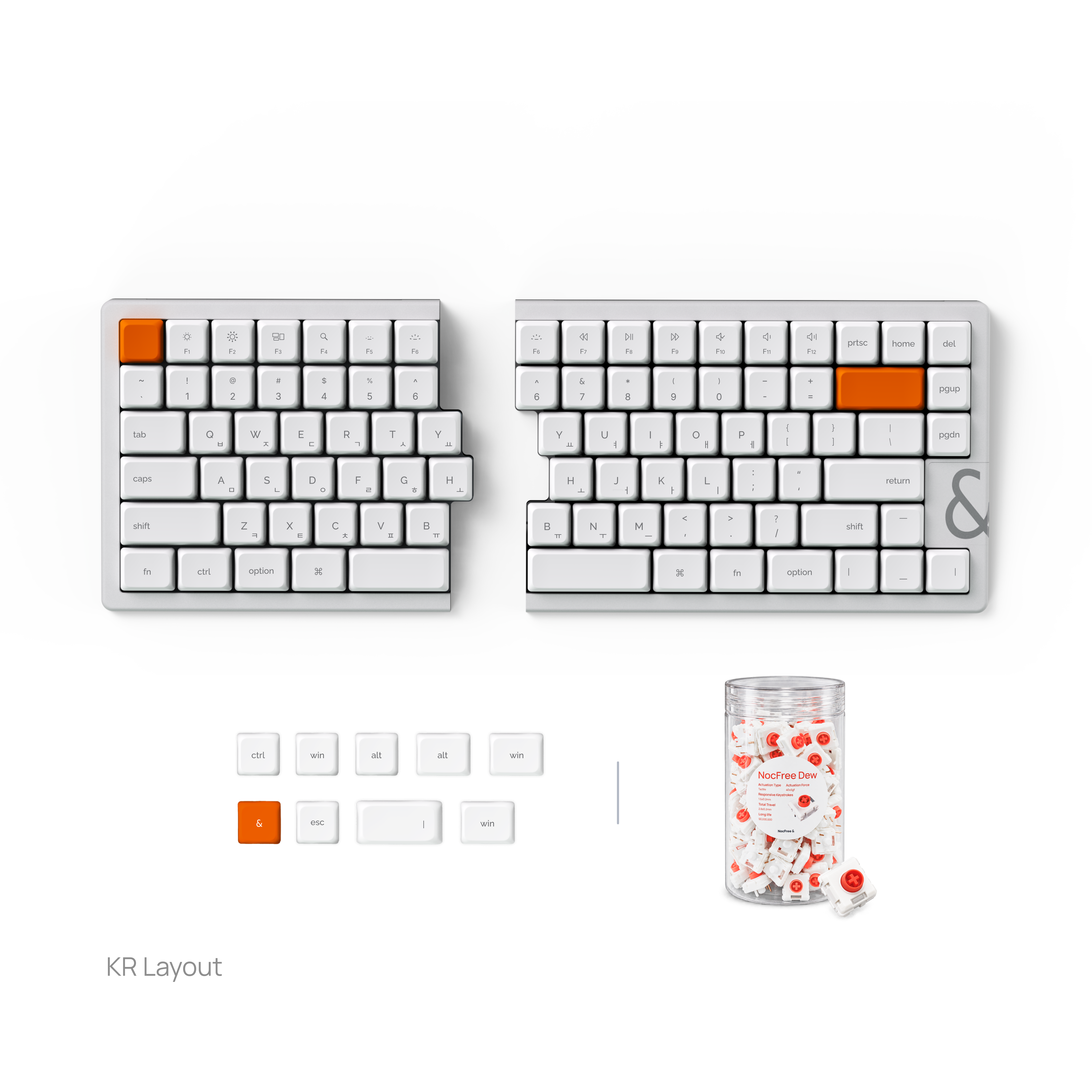
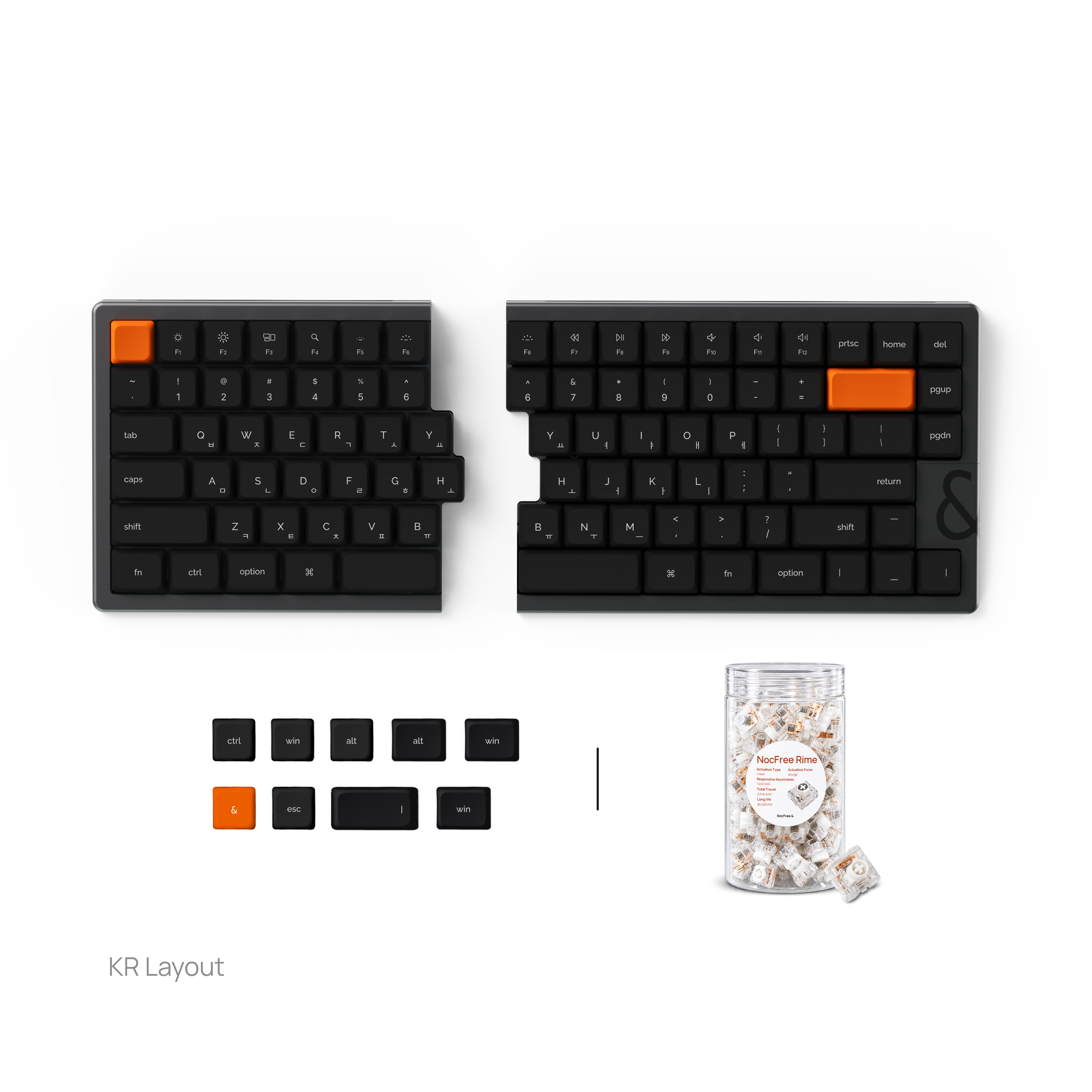
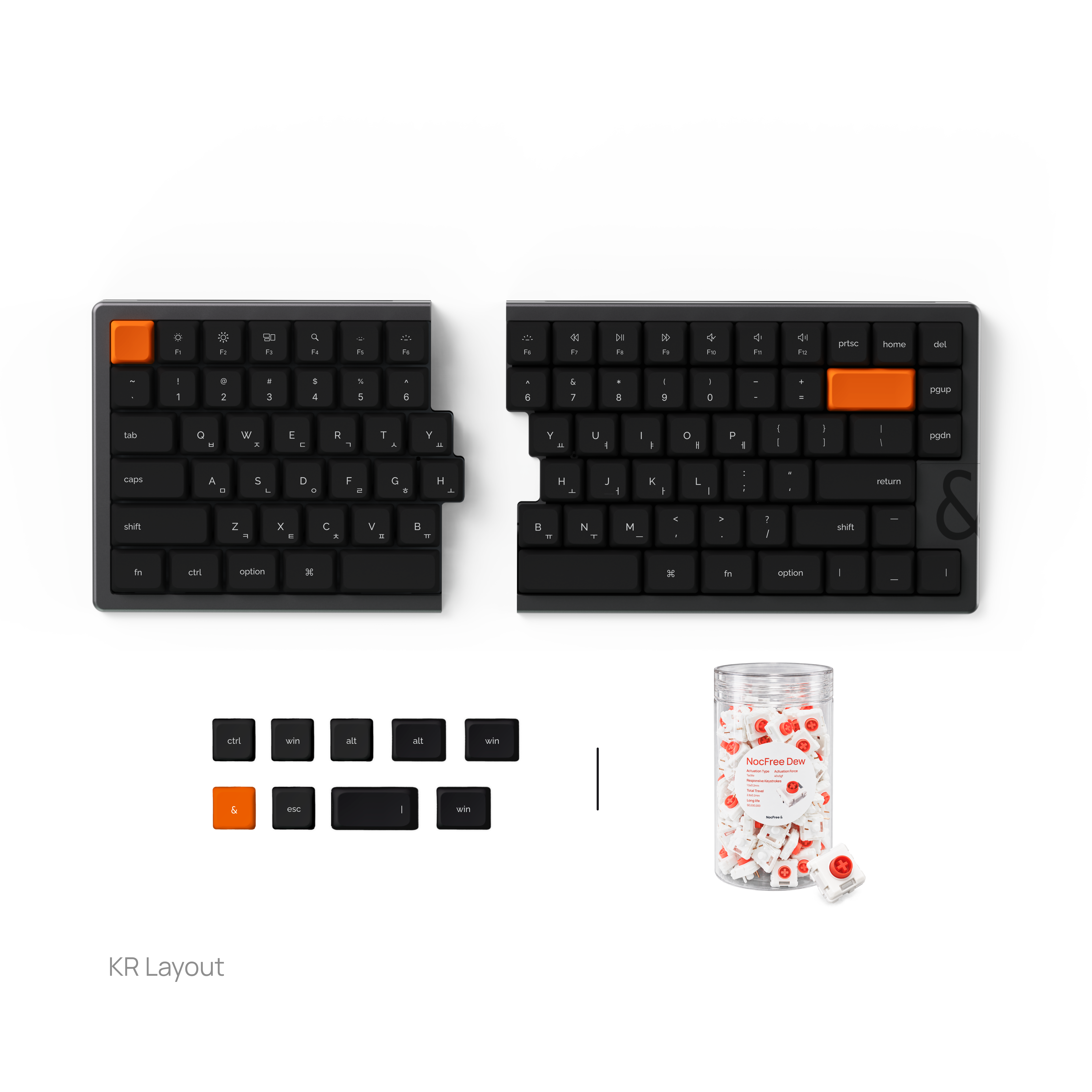
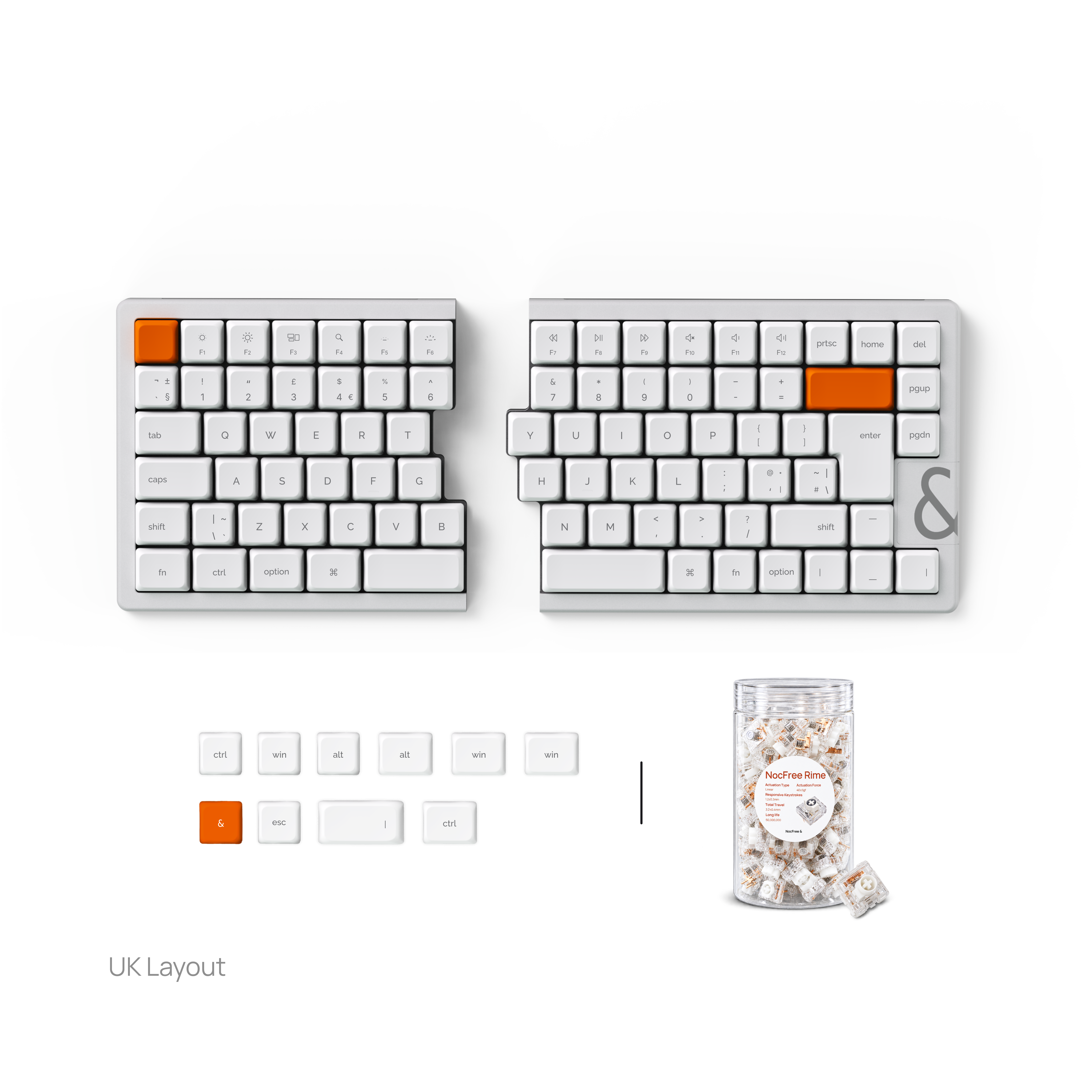
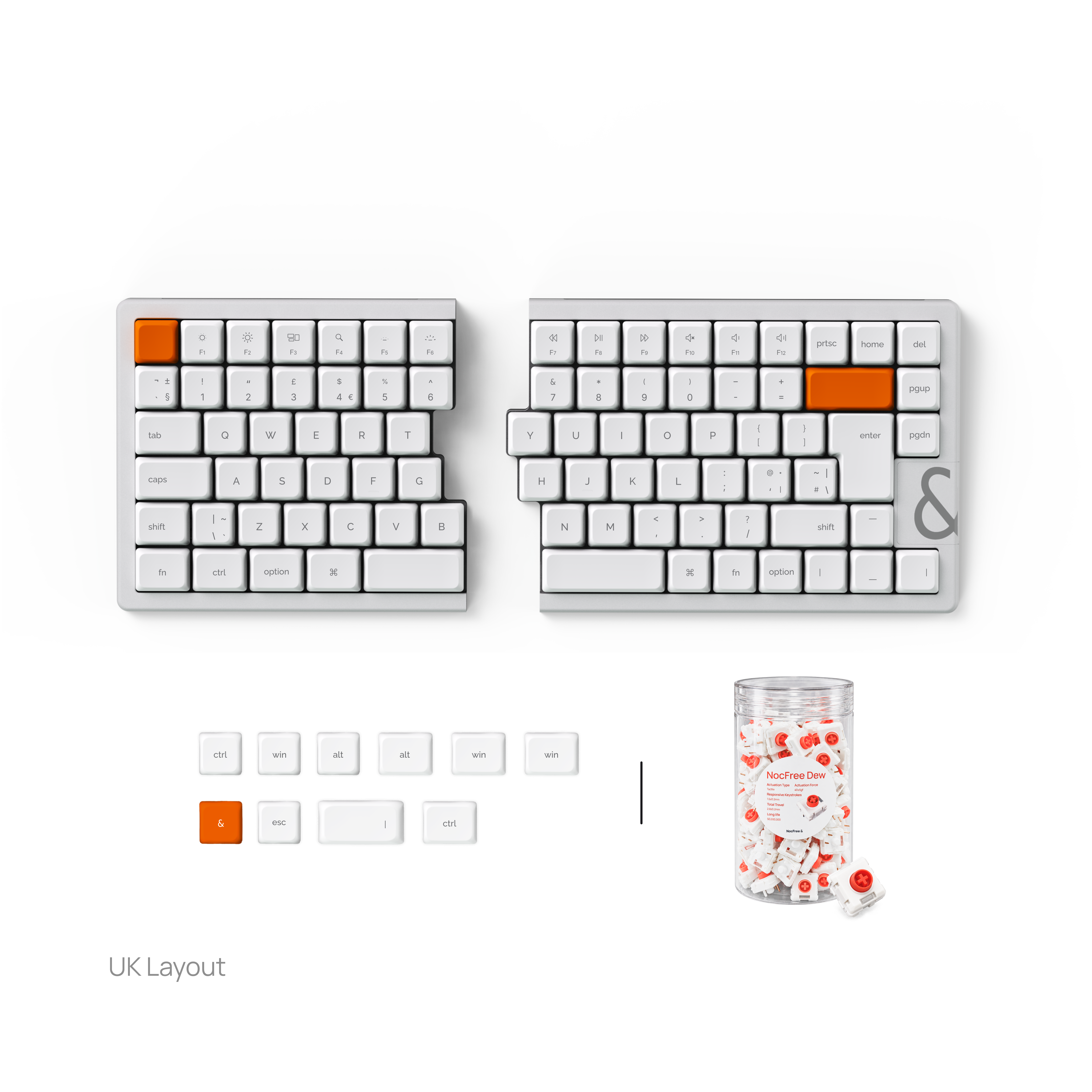
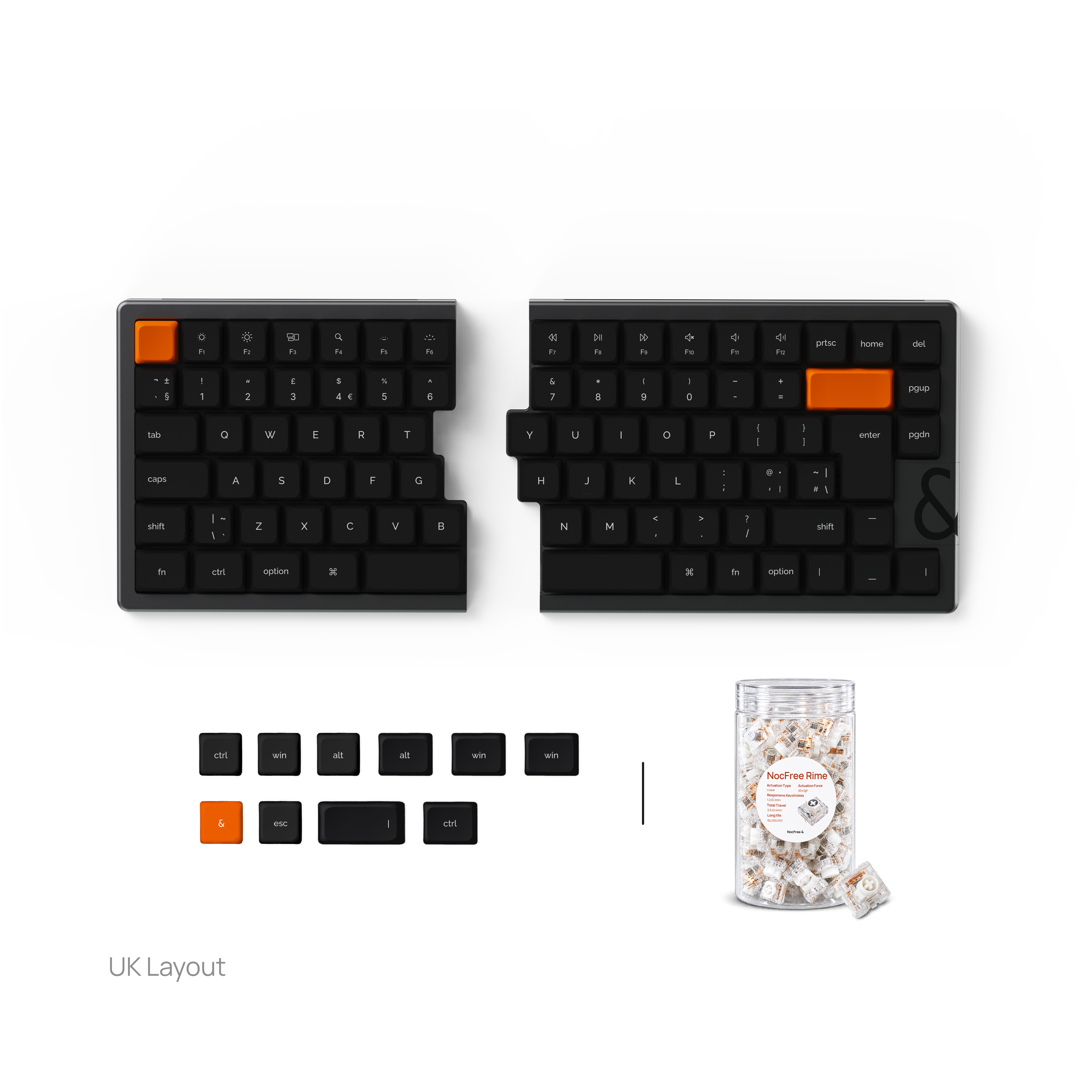
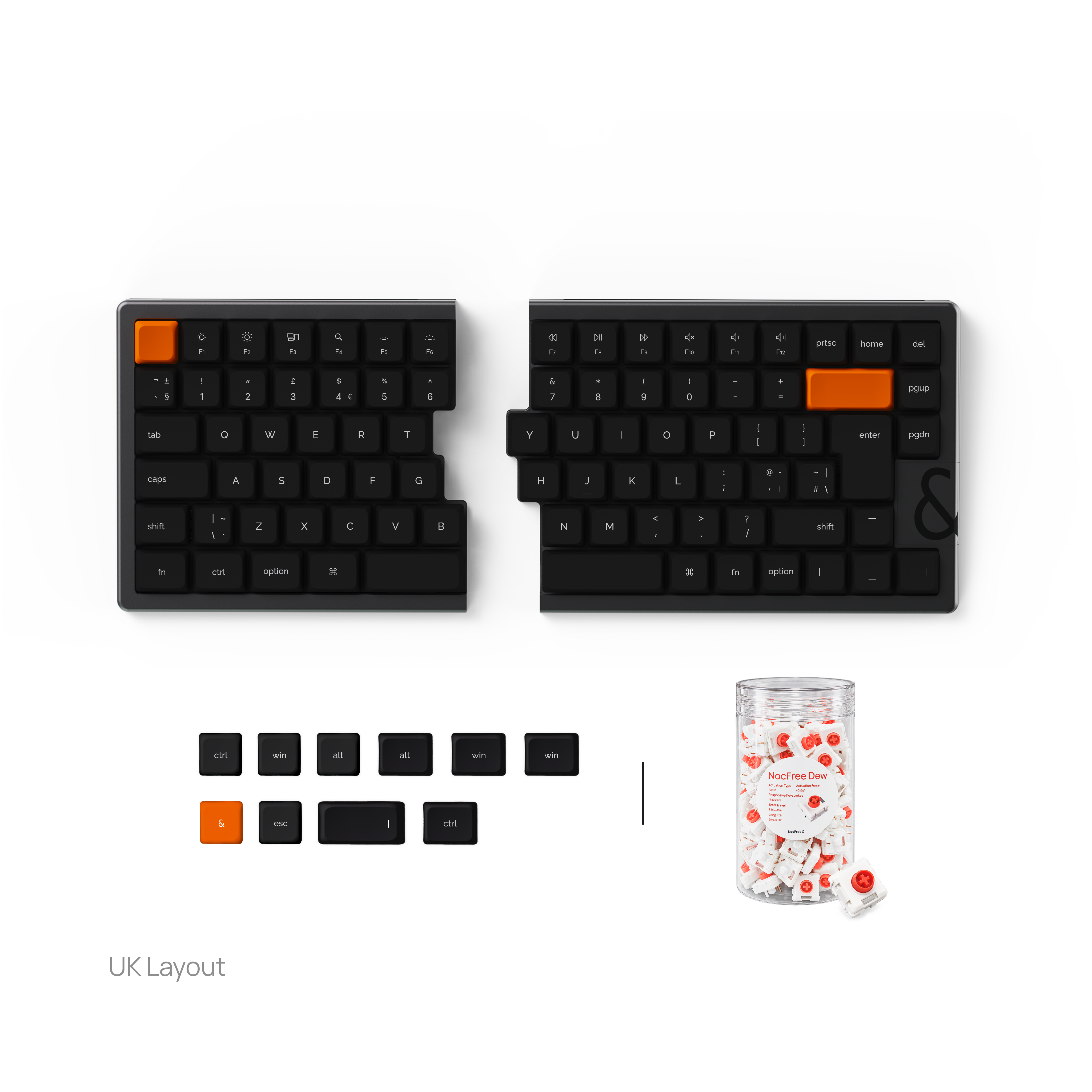
Silent switches pre-installed. Extra sets packed separately.
Switch details

37±5gf. Ultra-quiet with built-in dampeners.

40±5gf. Smooth, fast, and balanced.
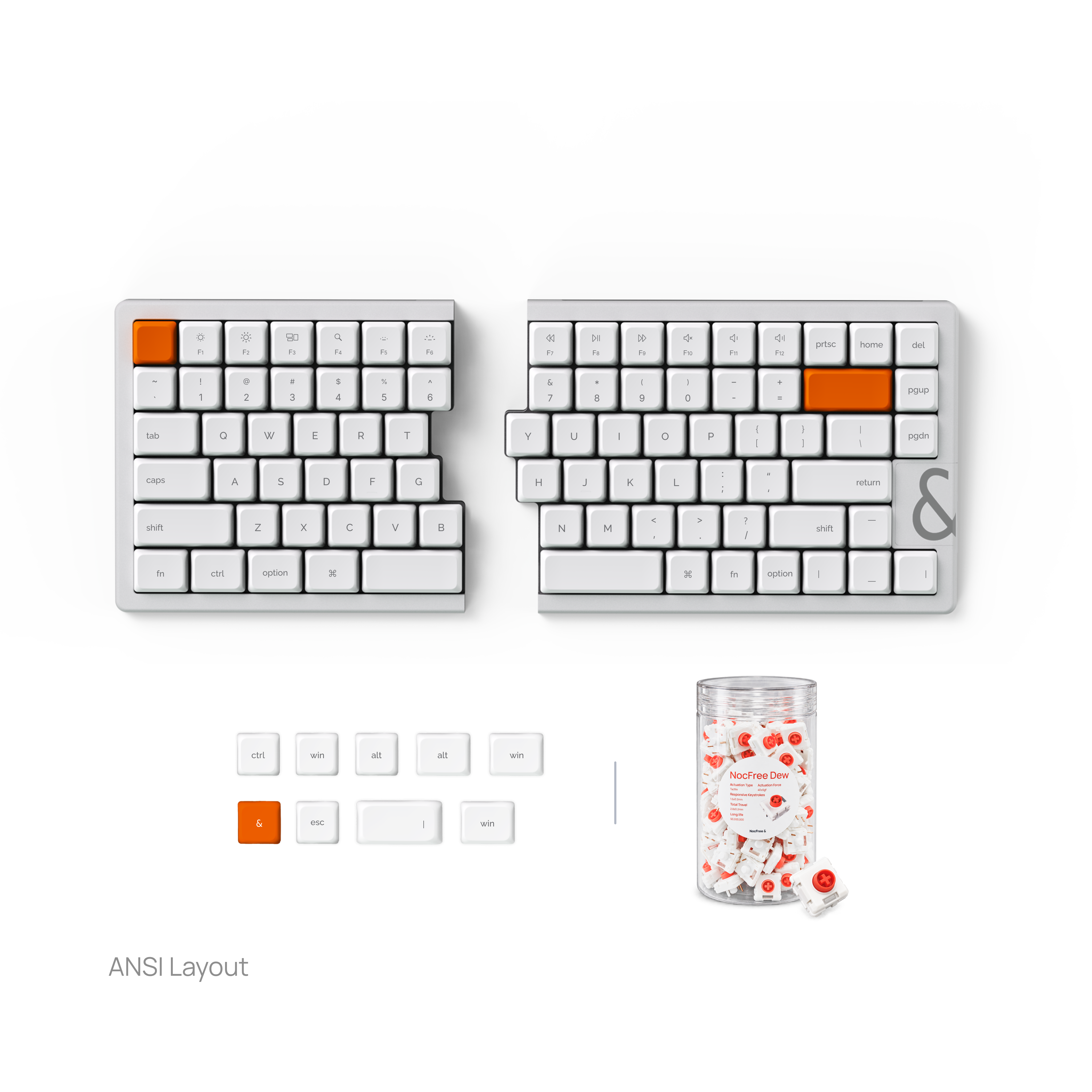
40±5gf. Light tactile feedback.
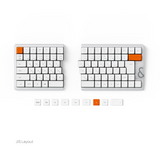
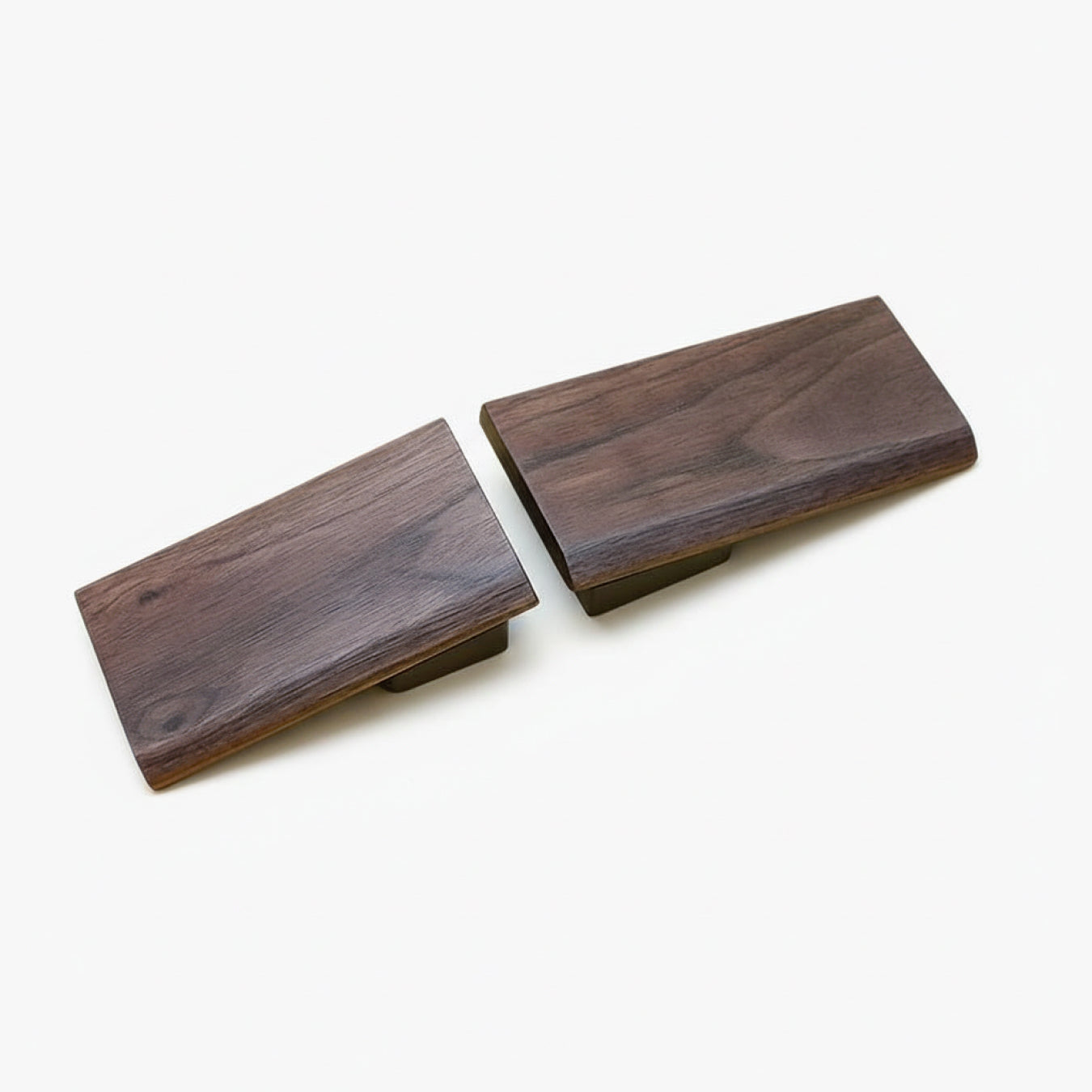
Perfect Pairs for Your NocFree &
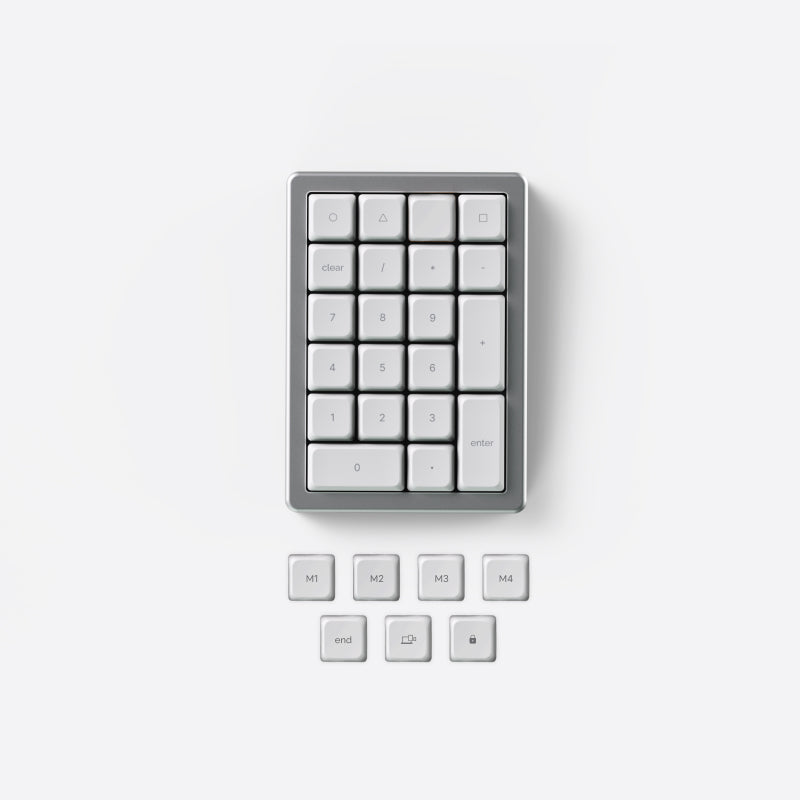
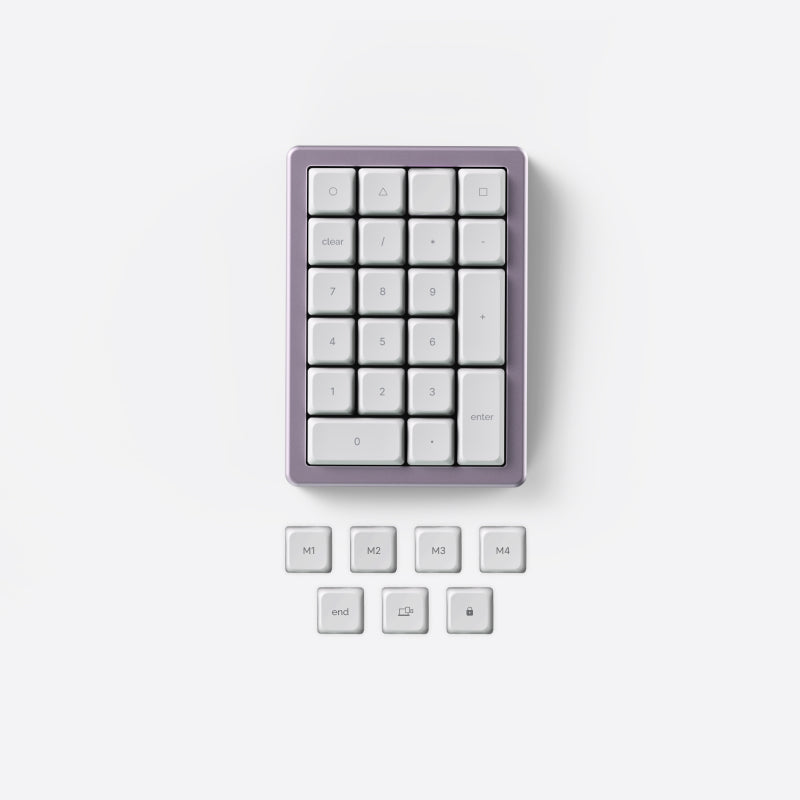
Designed to adapt to you

Tri-mode connectivity
Bluetooth · 2.4G · Wired

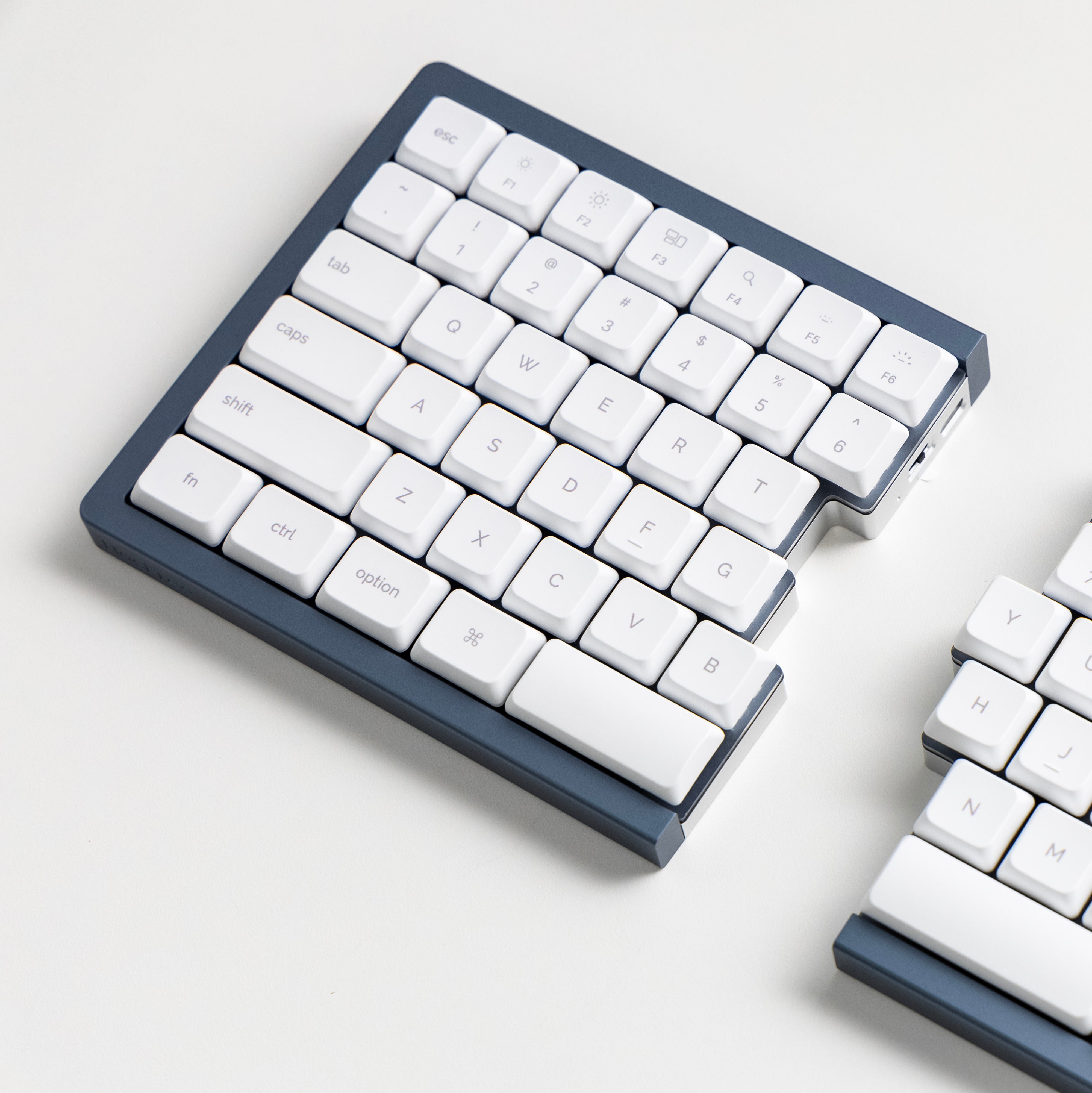
Low-profile gasket mount
Cushioned · Quiet · Stable

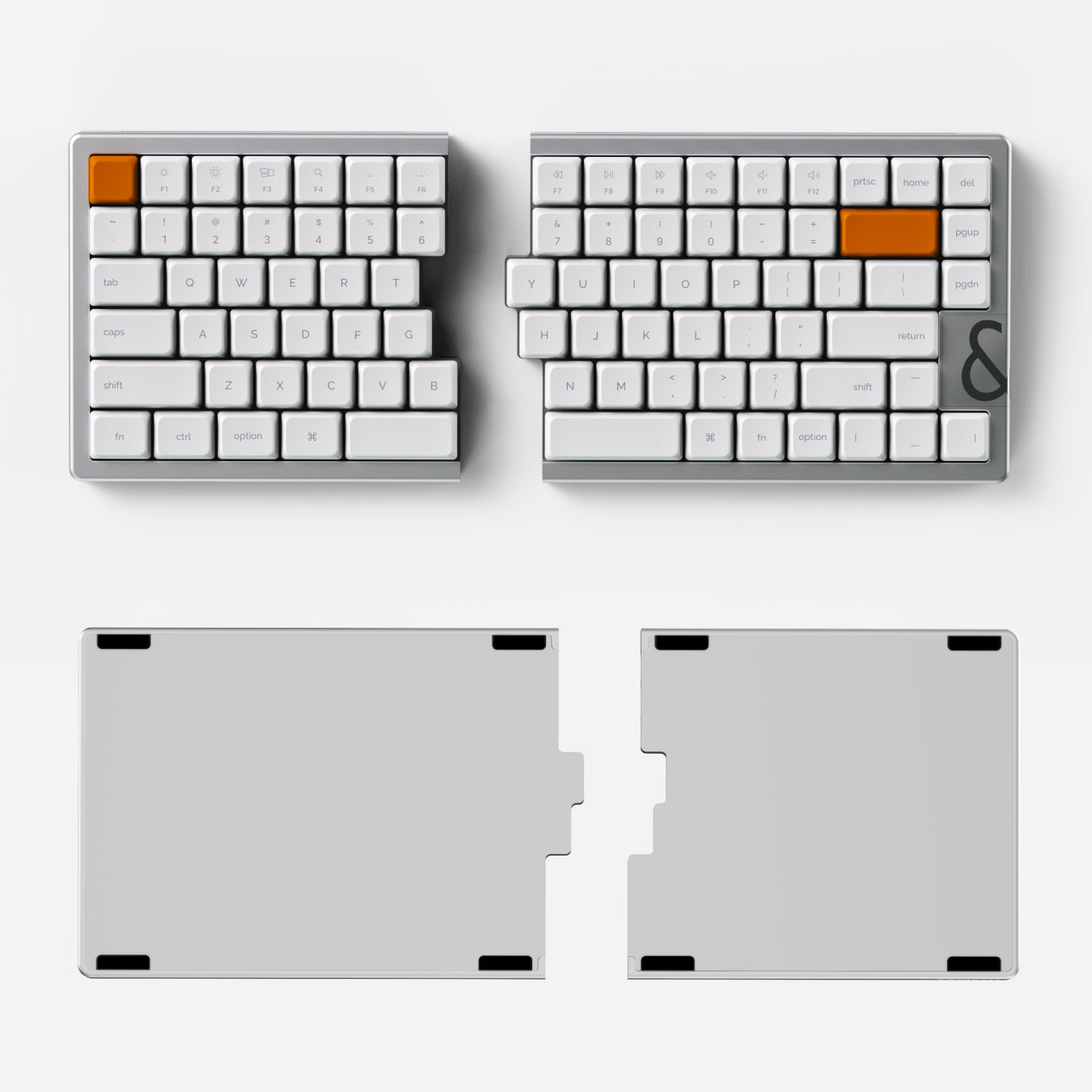
Aluminum unibody
Rigid · Refined · Durable

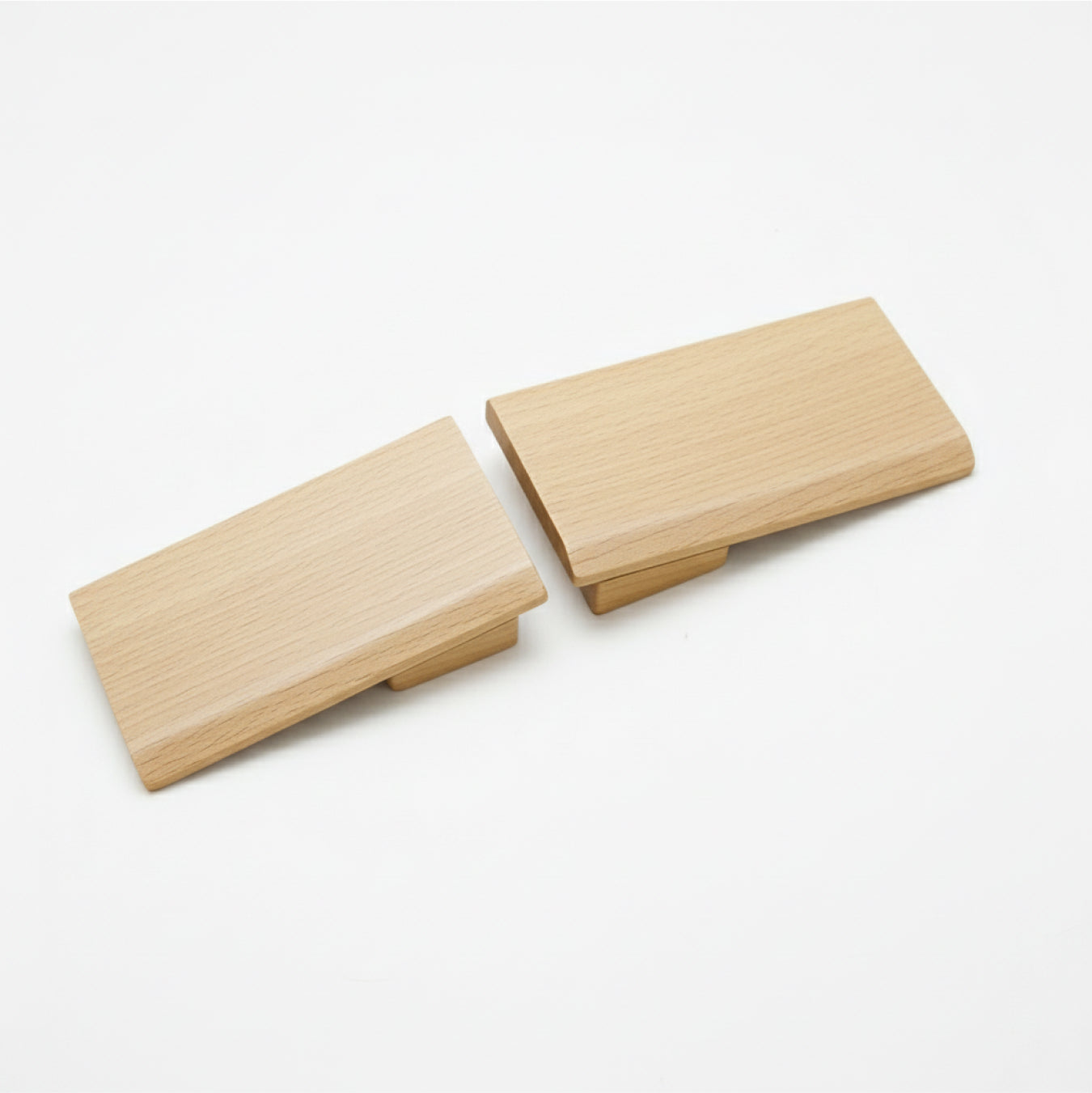
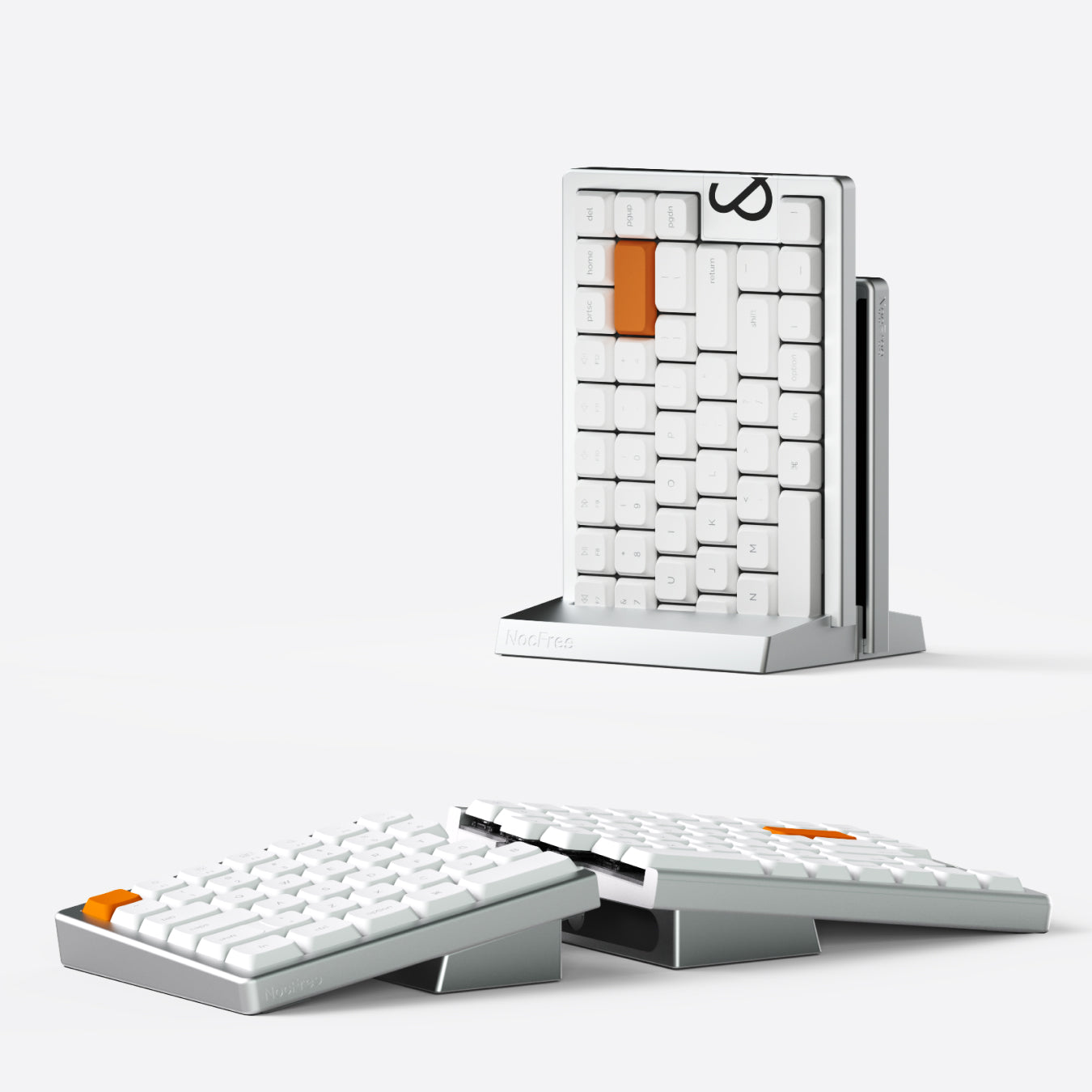
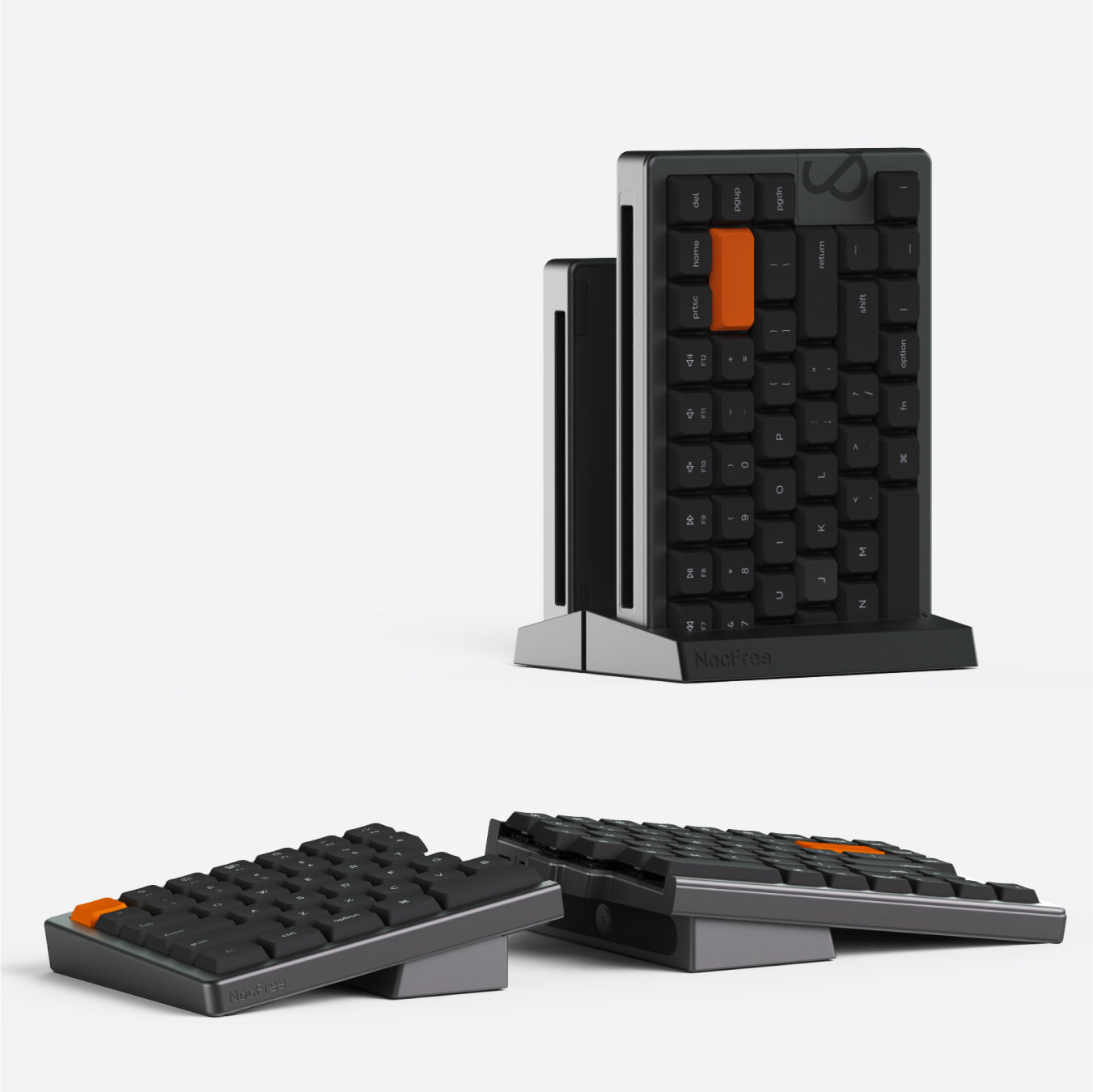
One stand, two moments
Support when you type.
Upright storage when you're done.
Updated Tenting Kit
Designed for support and storage, without dock charging.
Charge each keyboard half via USB-C.
Sold separately · Estimated shipping: November
Explore the Tenting Kit ›

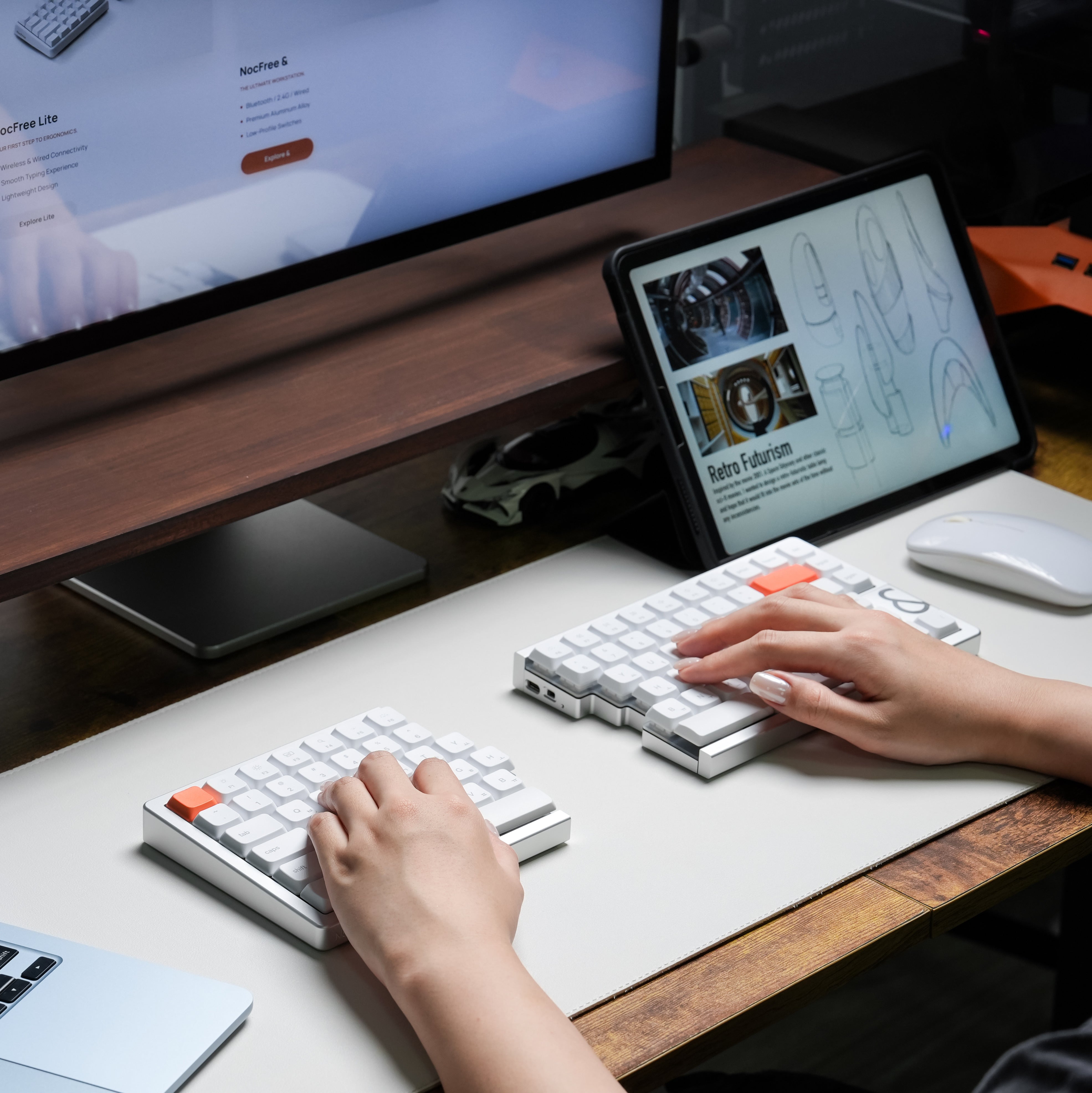
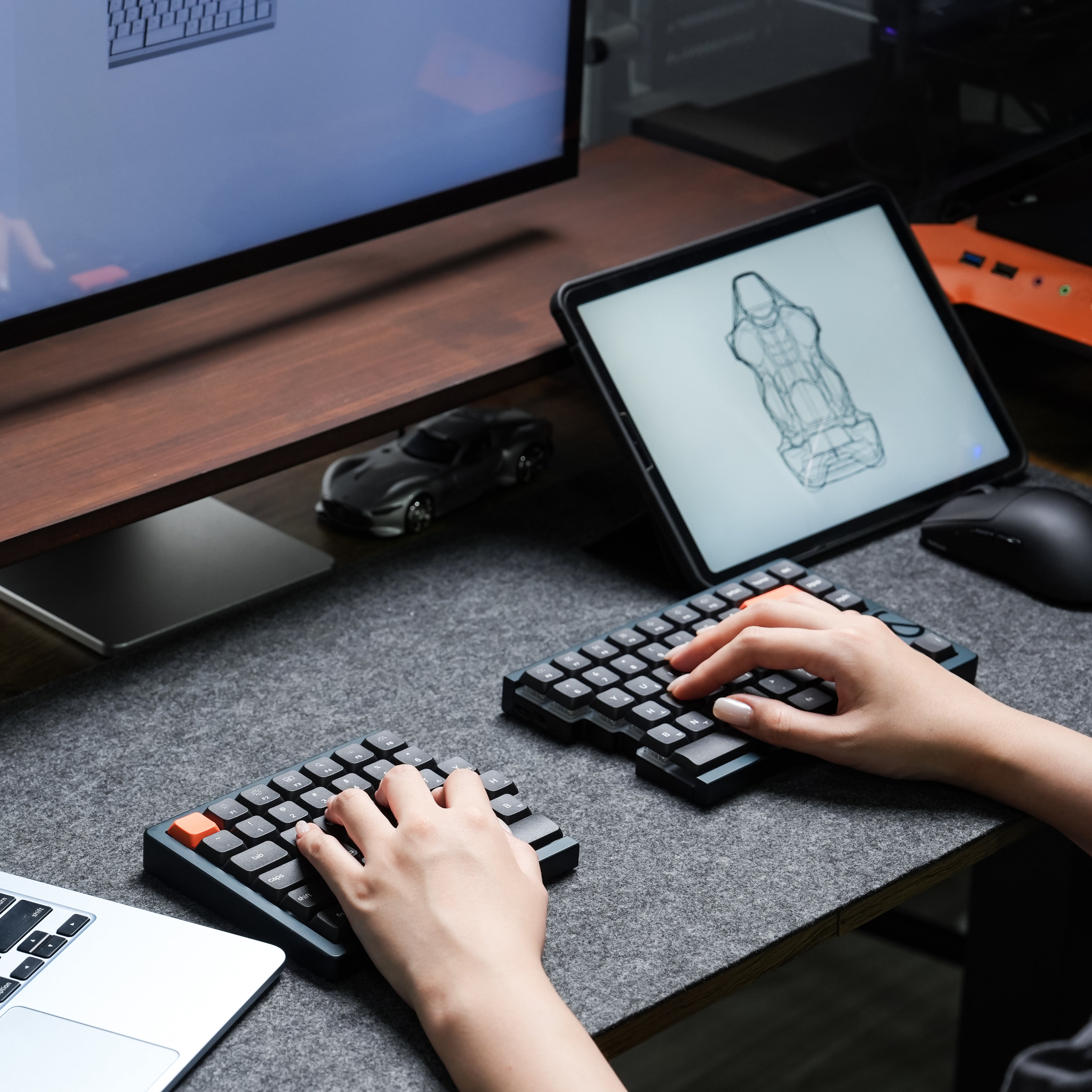
A split that follows you
Place each half where your shoulders naturally relax.
No forcing. No adjusting. Just ease.

Crafted from solid aluminum
Milled from a single block of aluminum.
Steady, quiet, and built to stay with you.
Designed for productivity

A numpad that moves with you
Place it on the left, right, or remove it entirely.
Available as a separate add-on.

Programmable, without the complexity
Customize keys and layouts when you need to.
Your setup stays with you.

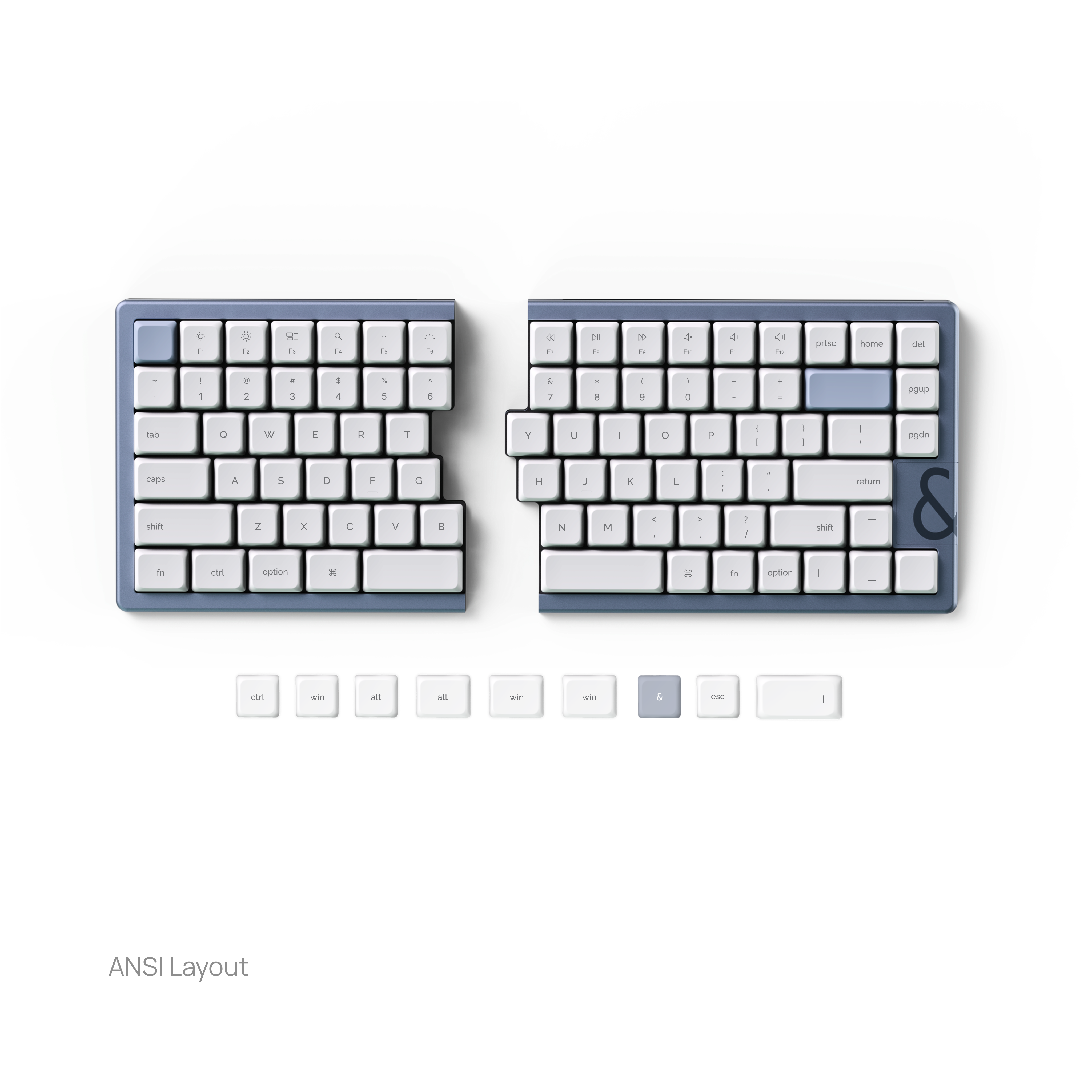
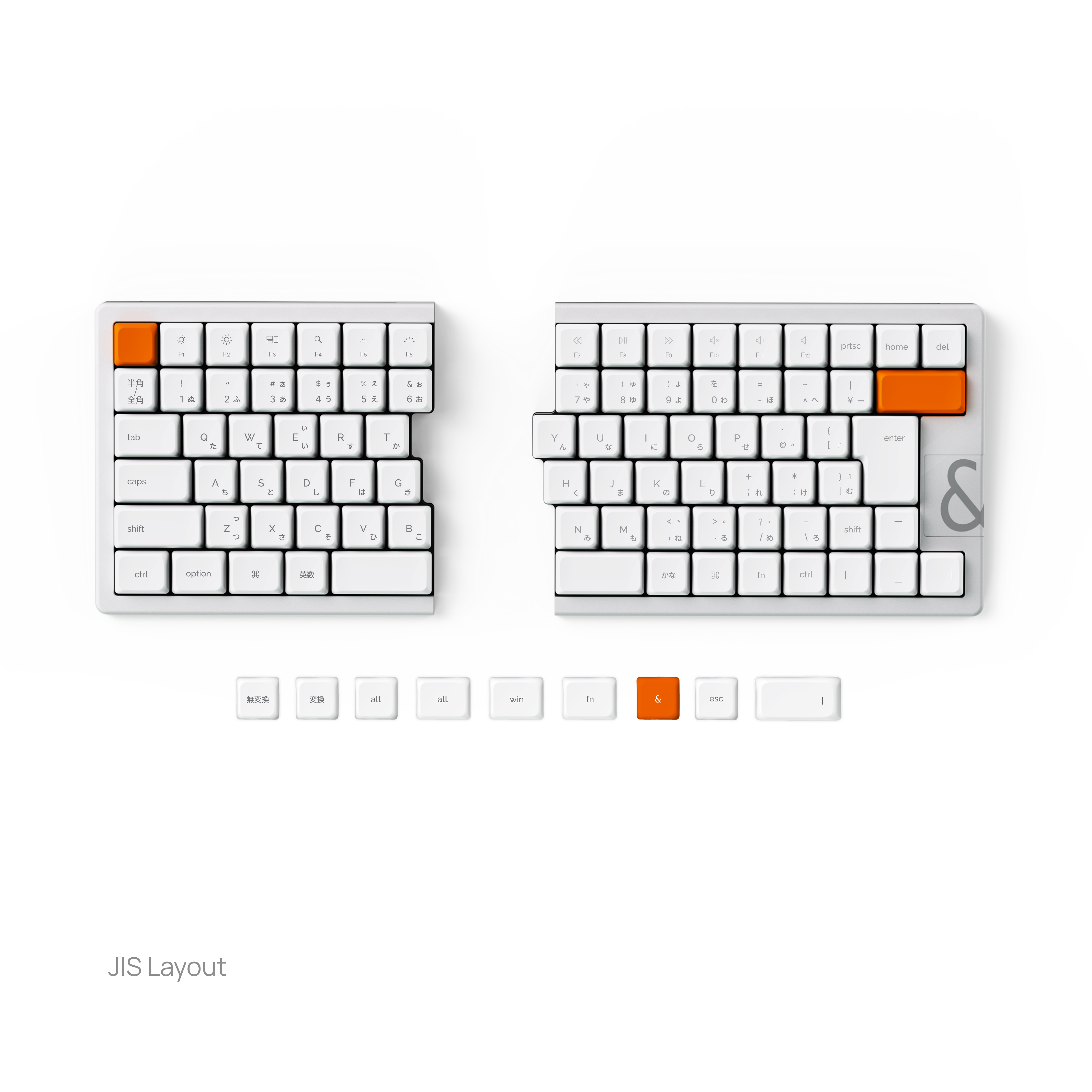
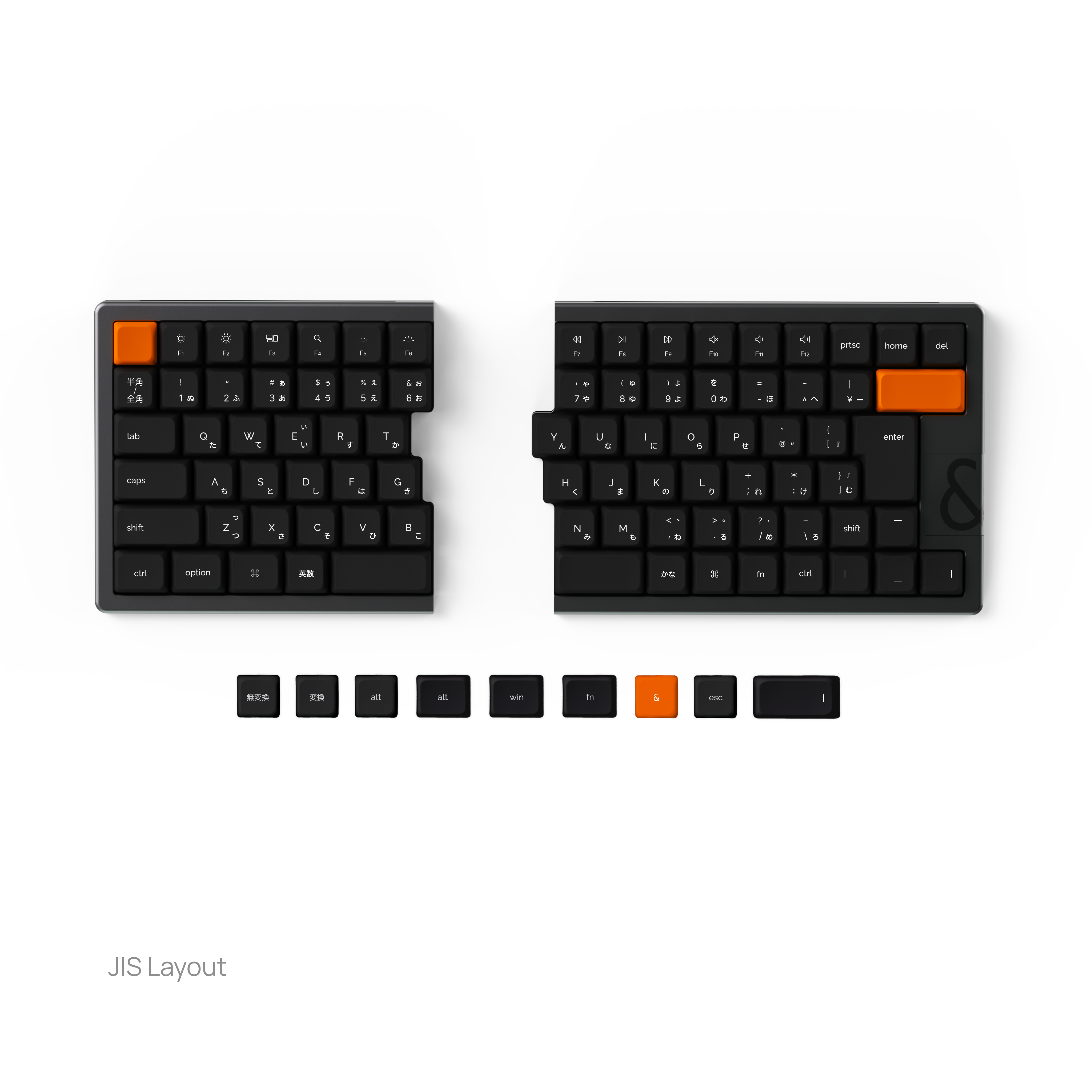
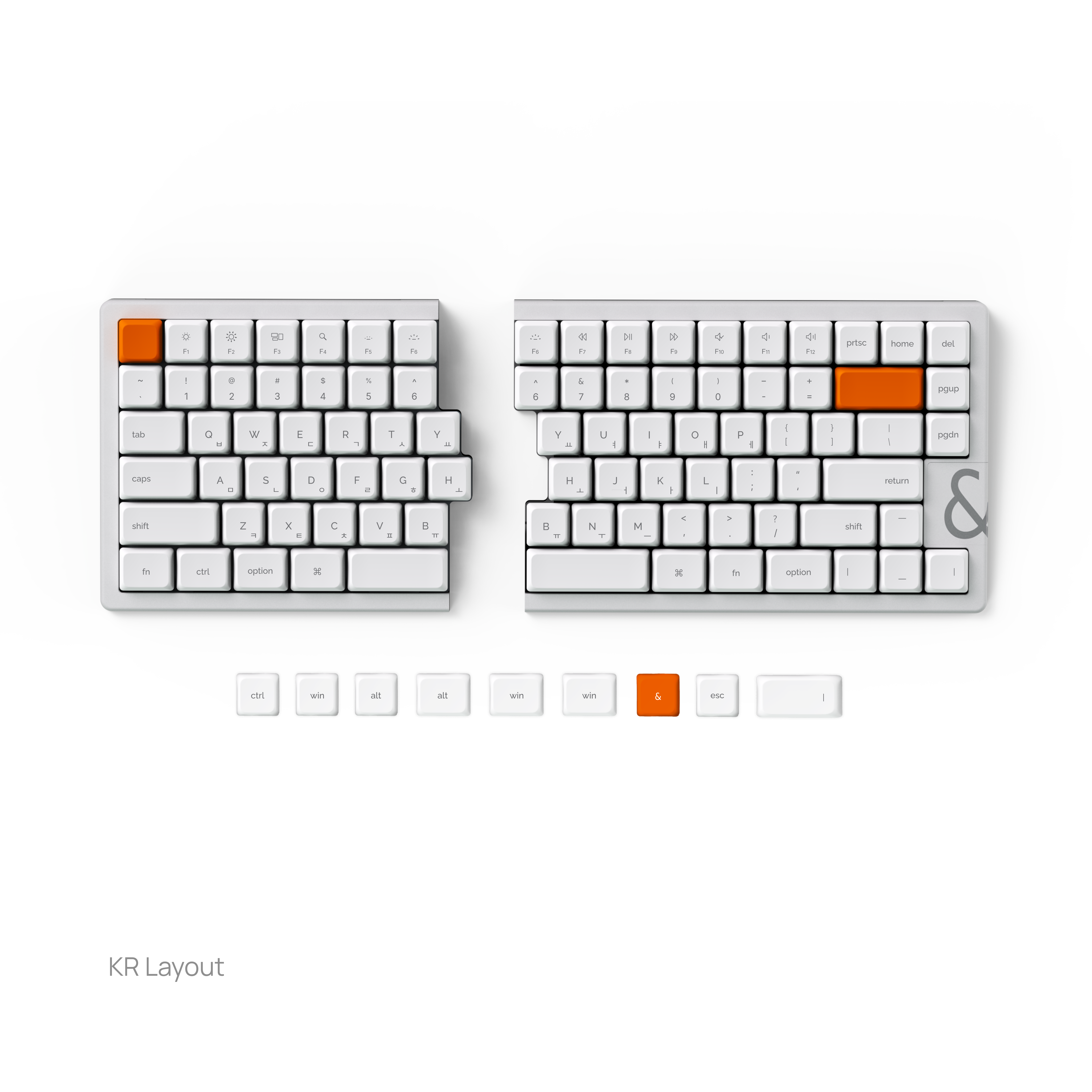
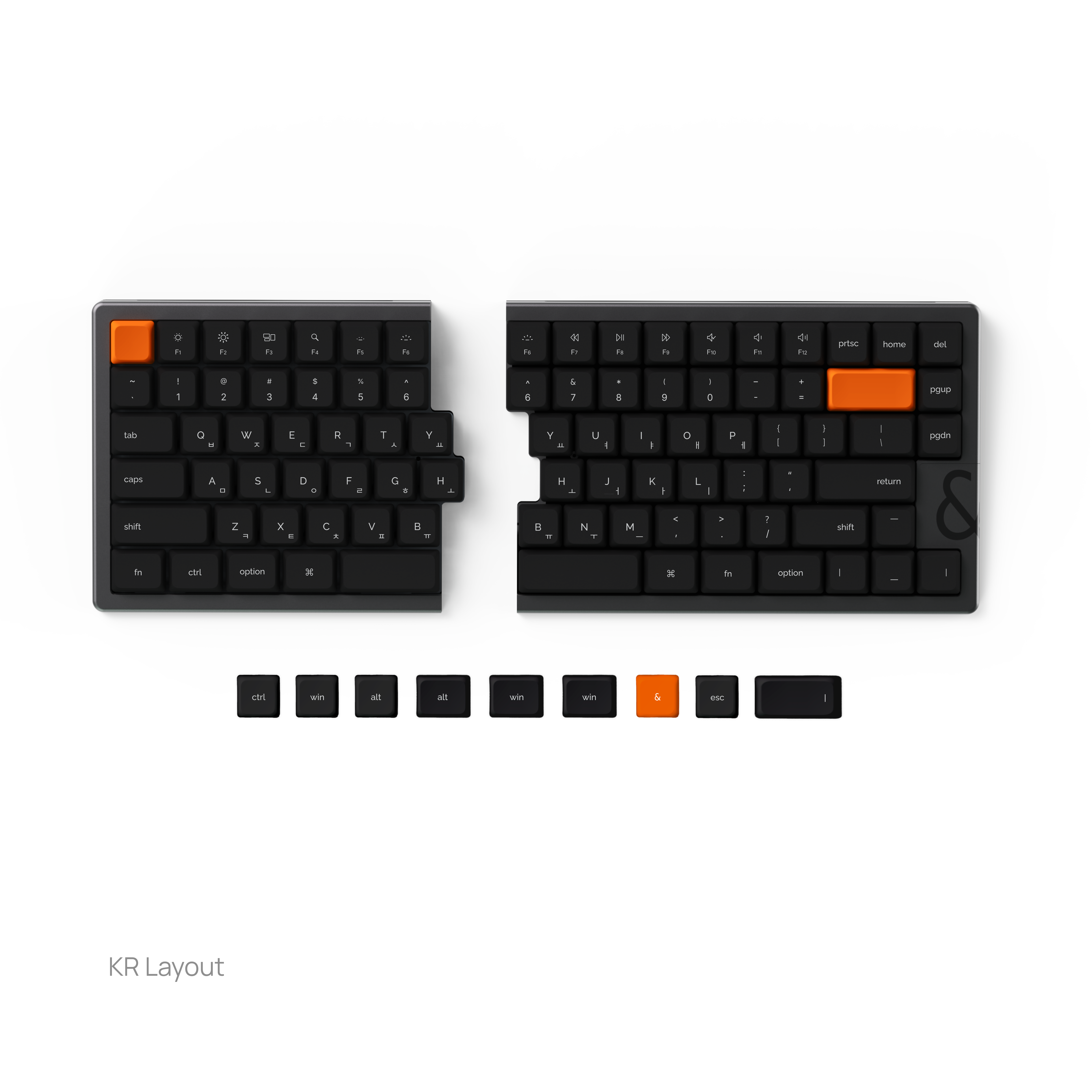
Layouts that feel instantly familiar
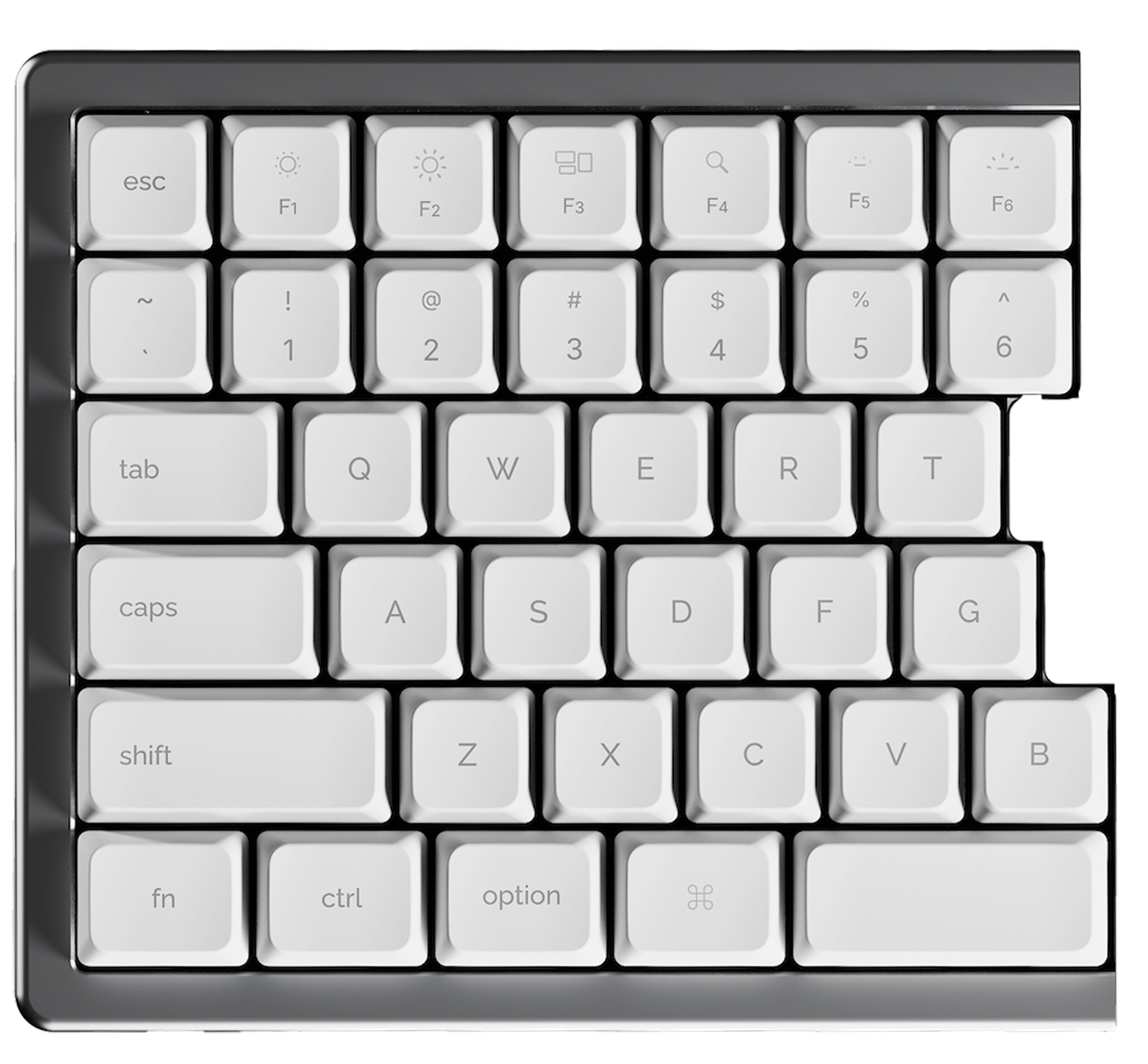
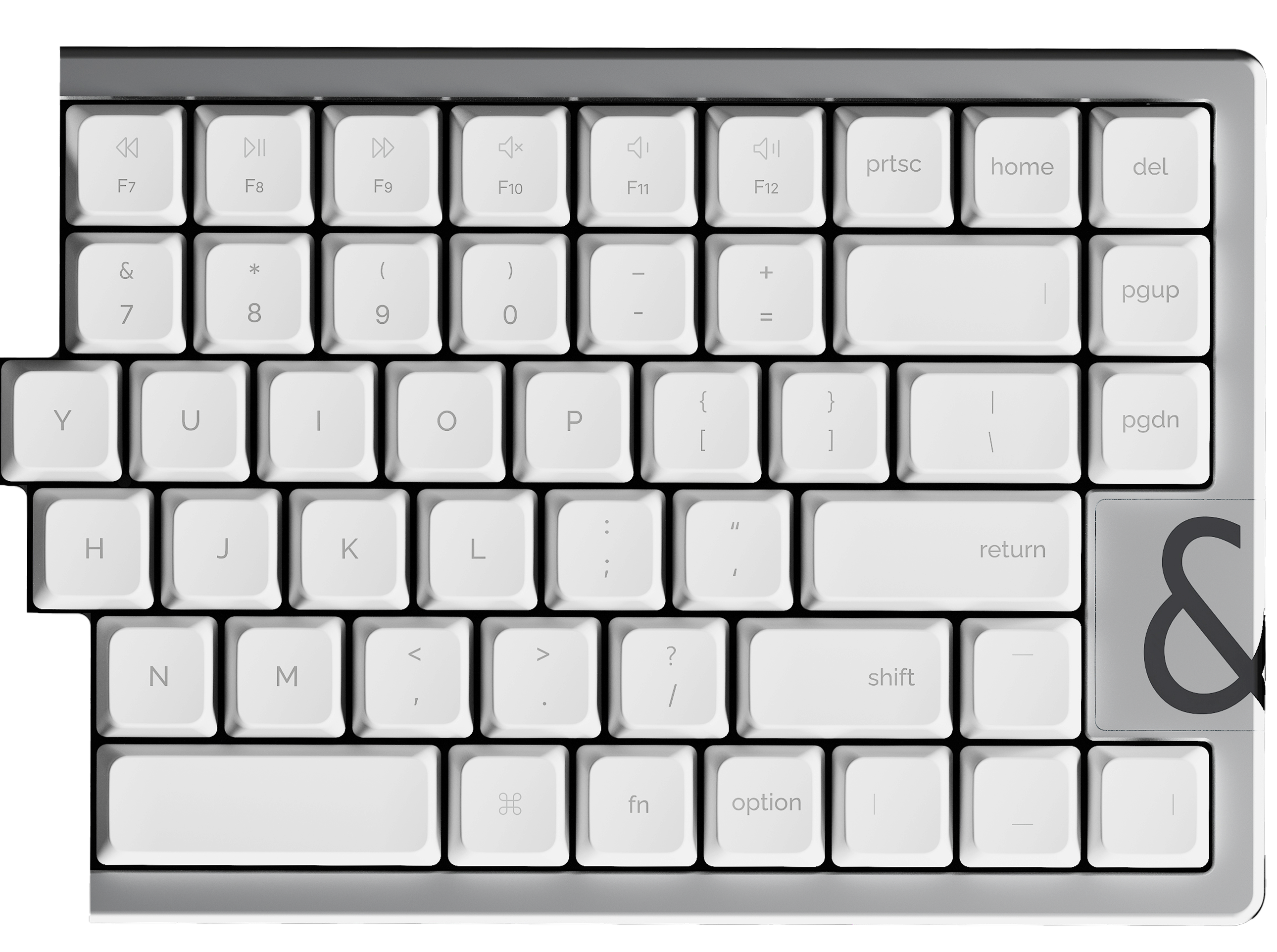
Multiple layouts designed for different regions.
Less relearning. More doing.
nocfree & your
Follow your shoulders
Quiet your touch
Keep your flow
Your arms rest where they naturally want to be. Your wrists stay straight. Your posture opens, without you thinking about it.
Less tension. More space to breathe through long hours of work.
Each keystroke lands soft and controlled. No sharp impact. No unnecessary noise. Just a calm, steady rhythm under your fingers.
Your hands work lighter and your focus stays exactly where you left it.
Everything stays where your fingers expect it, so habits hold and momentum continues.
What you need appears when you need it and disappears when you don’t.
Start your flow journeyHands-on Reviews
Real creators. Real workflows. Real opinions.
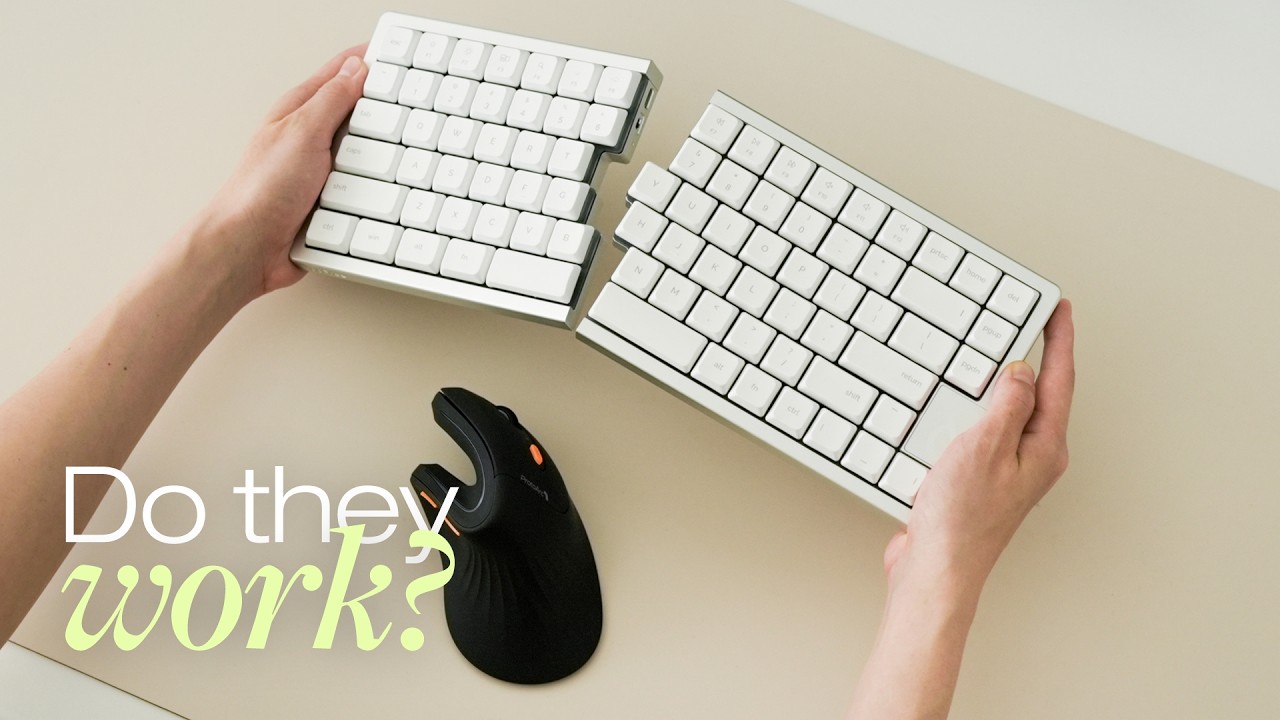
Thoughtworthy Co - 117K Lifestyle & Design Creators
A 30-day test that turned NocFree into a surprisingly comfortable and productive part of their daily workflow.
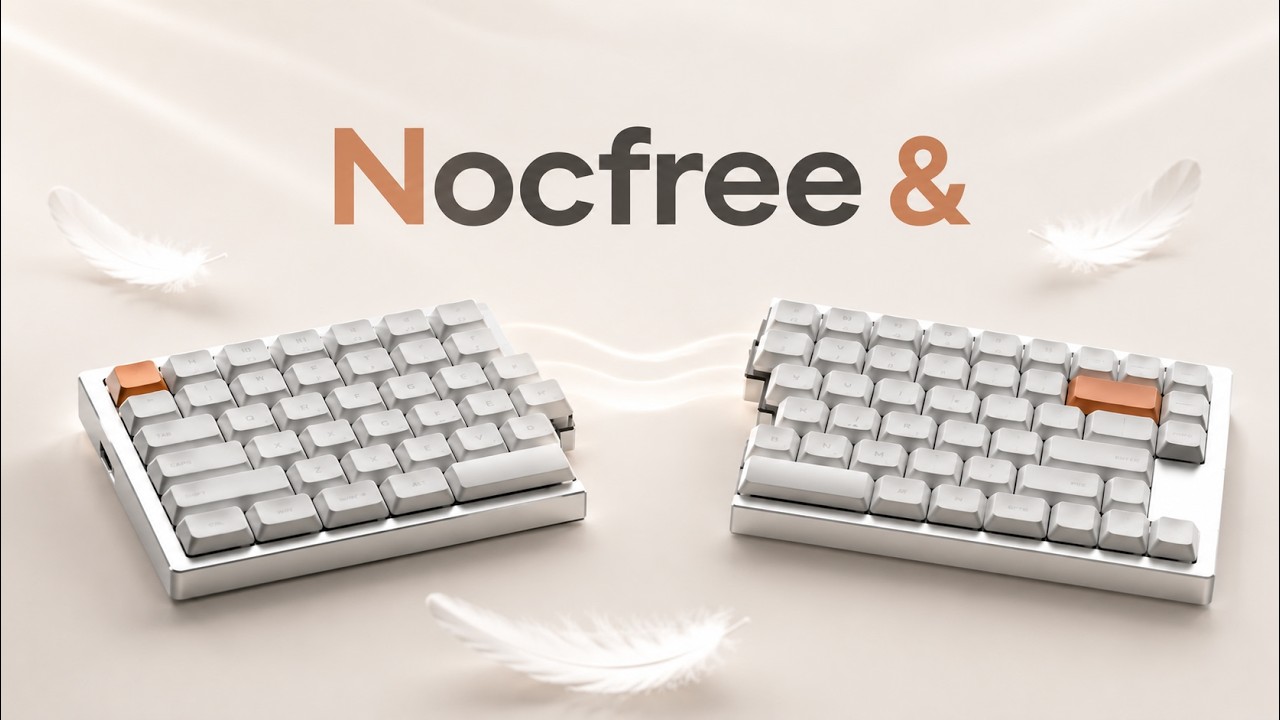
Lattech 라떼크 - 175K Tech Creator
The low-profile design and flexible positioning make long work sessions much more comfortable.
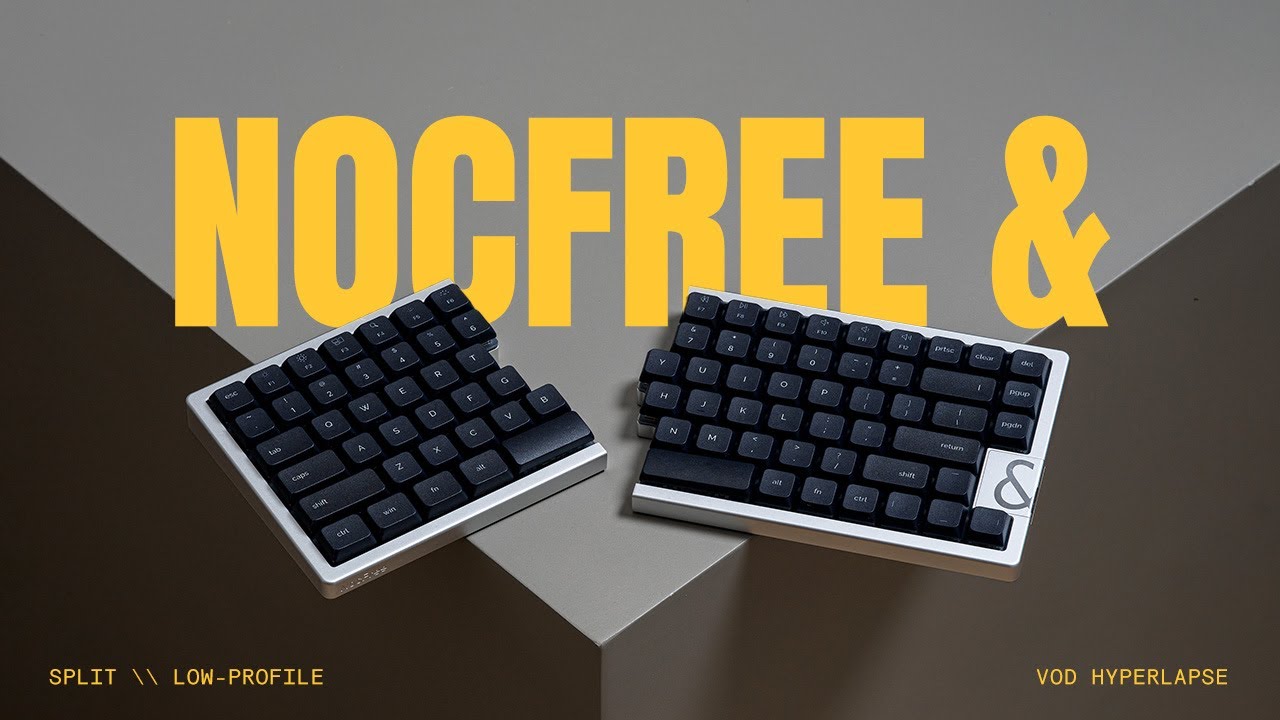
Alexotos - 102K keyboard enthusiasts
It allows you to keep your chest open and shoulders back. After an 8-hour coding session, my back feels so much better.
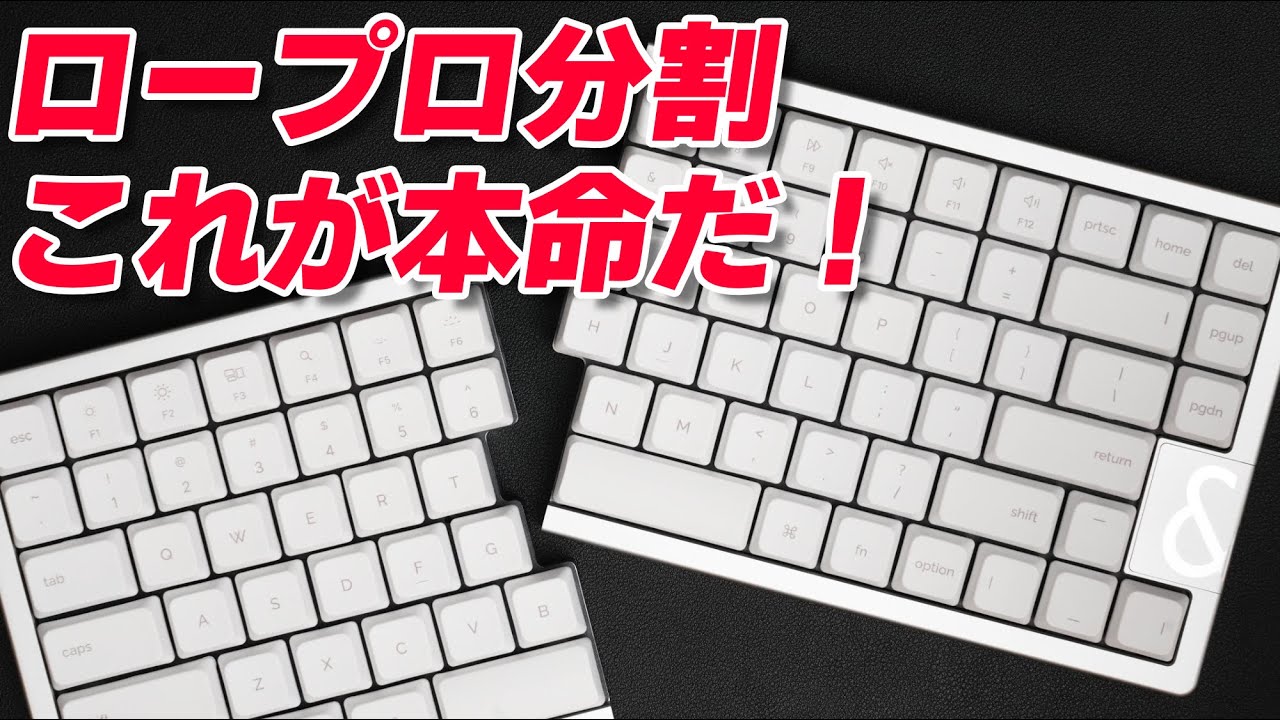
JSyntax - 32.2K tech subscribers
The perfect entry into split keyboards—you get the ergonomic benefits without having to relearn how to type.
GhostlyASMR - 62K Gaming & ASMR Creator
A split design that gives your hands more freedom to sit naturally even during long gaming sessions.
built with you, for you
“I haven't had any upper-back flareups since switching. This is how typing should feel.”
“I can finally work a full day without feeling hunched like a shrimp. It just feels better.”
“Wow—these switches are beautifully smooth and quiet.”
“It matches my white desk perfectly—and looks even better in real life.”
“You’ve restored my faith in Kickstarter hardware. Exceptional build.”
“Tried many keyboards. NocFree became my daily driver instantly.”
“Well done - you've restored my faith in the KS platform.”
“Of course, the fact that it is split is ultimate.”
“I’m already in love with the form factor.”
Find your NocFree fit
Choose your layout, switch type, and setup that works best for you.
Explore Your Options →Soft Landing. Pure Sound.

The feel and sound of every keystroke shape how you experience your work.
That’s why we built a custom gasket mount into NocFree &’s ultra-slim split design — isolating the plate from the case to absorb vibration at its source. The result is a smoother, quieter, more refined typing experience.
Traditionally for high-end customs, now in a low-profile split.
That’s what sets NocFree apart.
- ● Vibration Absorption
- ● Consistent Typing Feel
- ● Reduced Hollow Sound


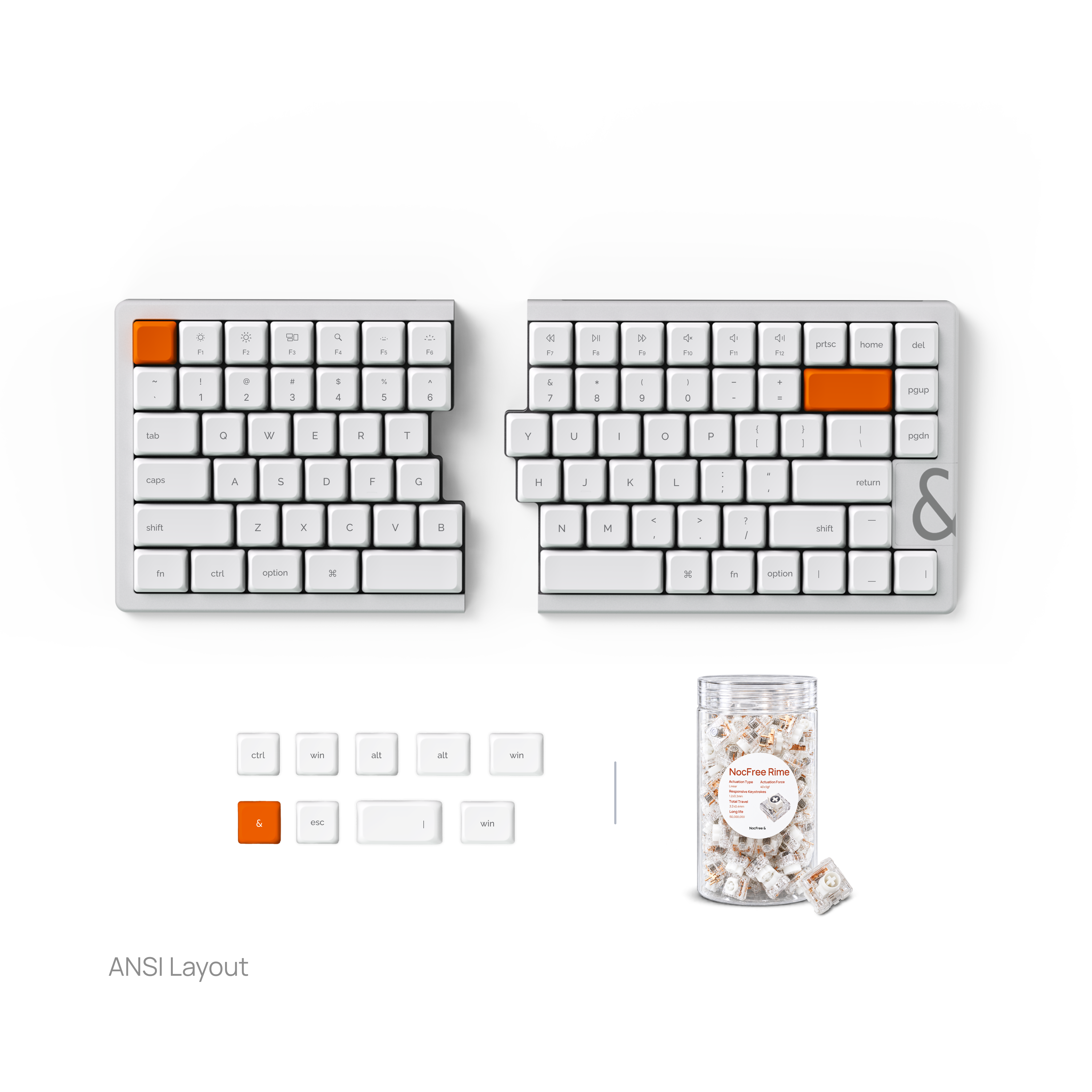
NocFree Rime
Our 40gf low-profile linear switches combine lighter actuation and a smooth force curve to reduce finger fatigue and deliver lasting comfort.


NocFree Mist
Focus without distraction. Our custom-engineered silent switches utilize internal dampeners to deliver a buttery-smooth feel with near-zero noise. Perfect for shared offices.
Tech Specs
Dimensions & Weight
Battery & Power
Connectivity
Typing Experience
Quick Start Guide
Switch UP ⬆️. Plug the receiver into your device.
Switch MID ⏺️. Connect via USB-C cable.
Switch DOWN ⬇️. Long press FN+1/2/3 to pair.

Hold for 3 seconds to switch.
Connect a USB-C charging cable to each keyboard half. The left and right halves charge separately.
The updated Tenting Kit provides angled support and upright storage. It does not charge the keyboard.
Tenting Kit sold separately.
Customize keys, macros, and lighting directly at link.nocfree.com.
Please connect the keyboard in Wired Mode before using NocFree Link.
Connectivity & Power
How does the NocFree tri-mode keyboard connect? Do I need cables between the parts?
NocFree & supports Bluetooth, 2.4G, and wired modes. No cable is required between the left and right keyboard halves.
- Bluetooth: Pair NocFree & with your computer via Bluetooth for a fully wireless setup.
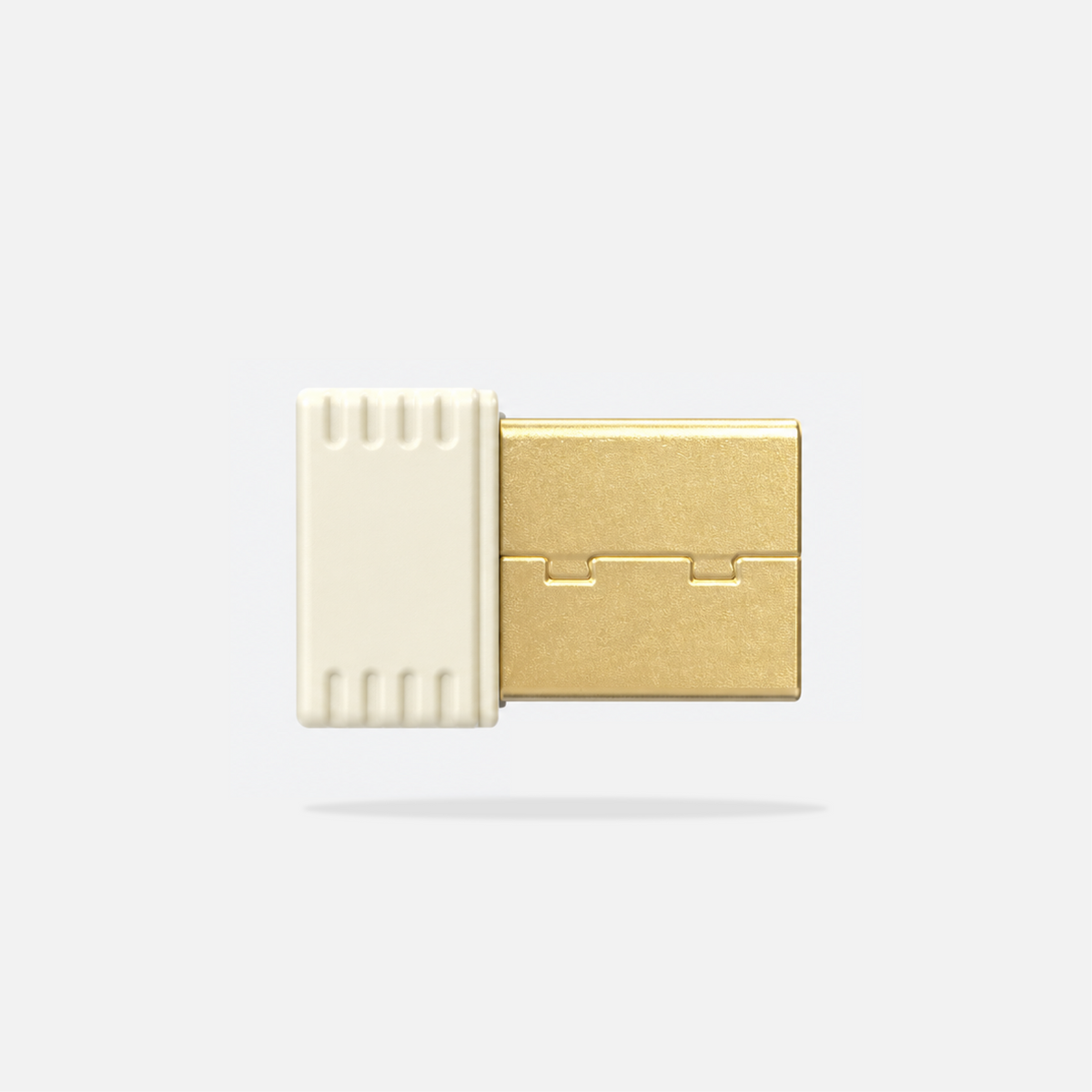
- 2.4G: Plug in the included dongle for a stable wireless connection.
- Wired: Connect the left keyboard half to your computer with a USB-C cable. The right half connects wirelessly to the left.
If you use the NocFree & Numpad, it can also be used independently via Bluetooth or wired USB after updating to the latest firmware. Standalone 2.4G mode is not supported.
Does NocFree & support connecting to multiple devices?
Yes.
You can pair NocFree & with three Bluetooth devices and switch between them easily.
How do I charge NocFree &? How long does the battery last?
Charge each part via USB-C.
A full charge typically lasts about 2 weeks, depending on backlight brightness and usage.
You can check the battery level using Fn + i or through NocFree Link.
Note: The left half, right half, and numpad charge separately.
Cutomization & Software
Is there software for key remapping and customization?
Yes.
Our NocFree Link software lets you customize:
- key mappings
- macros
- layers
- lighting
- advanced behaviors
No programming knowledge required.
How do I switch between Mac and Windows layouts?
NocFree & supports both Mac and Windows layouts. You can switch between them through NocFree Link.
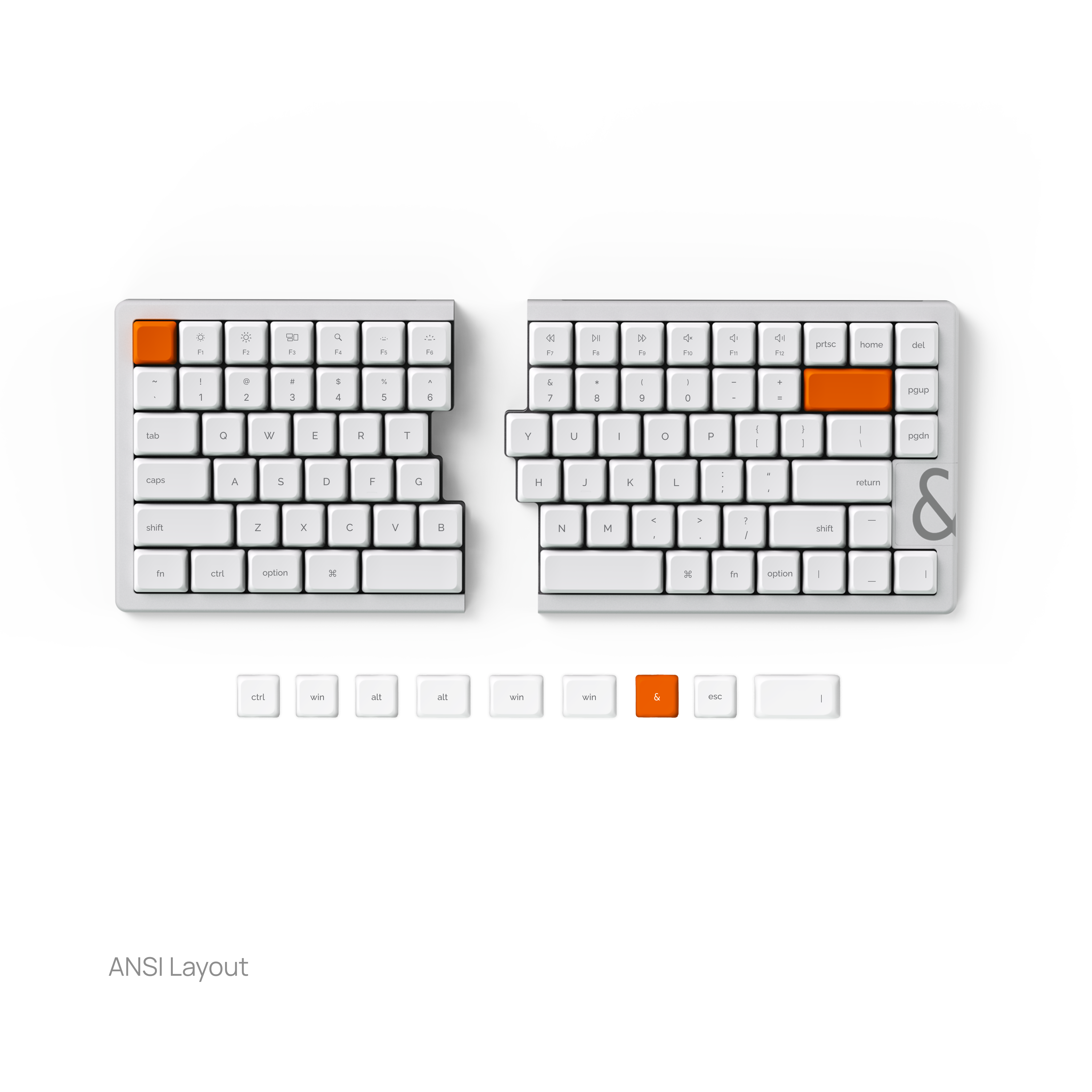
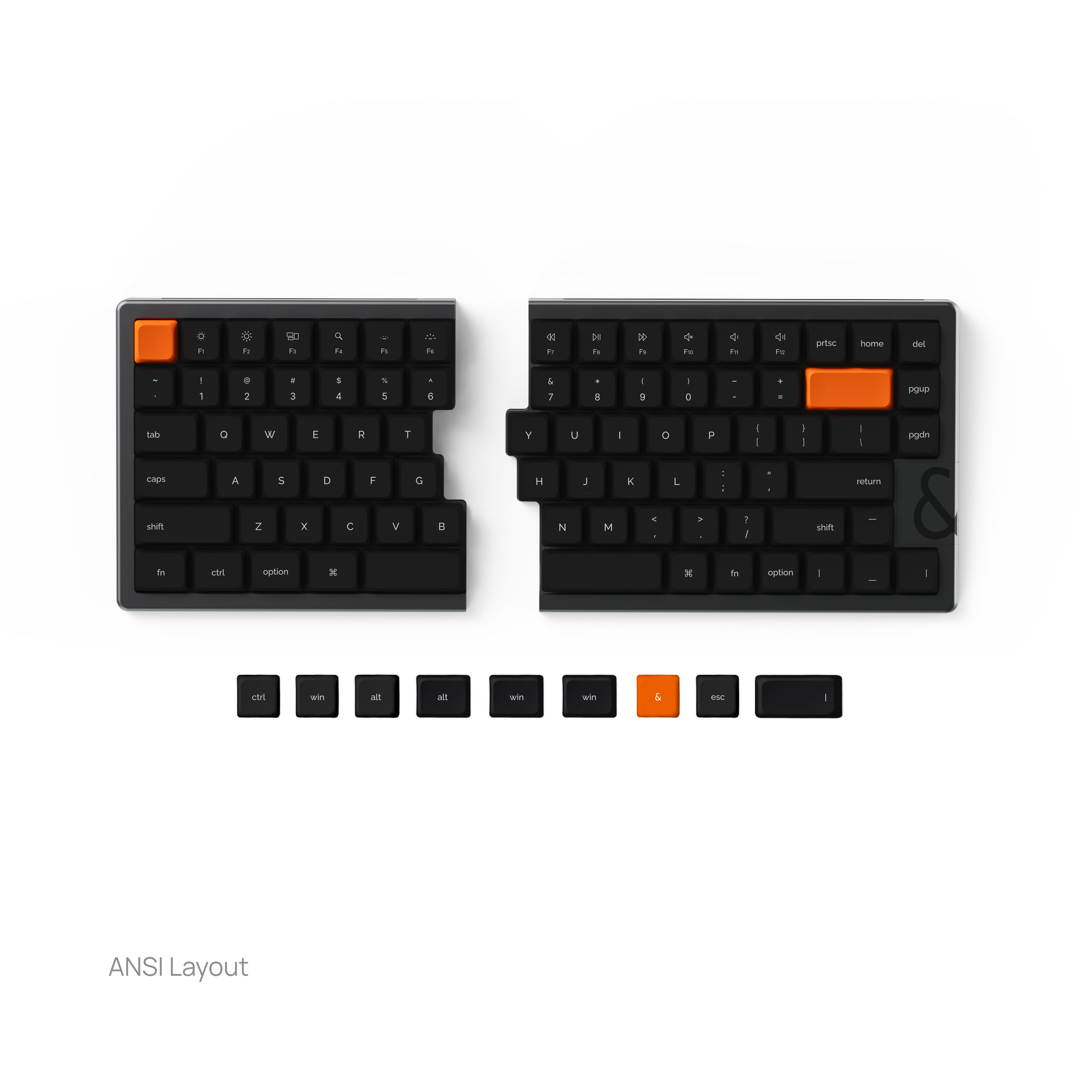
An extra set of Windows keycaps is included in the box.
I don’t use a numpad often. Is the numpad still useful for me?
Definitely.
You can remap every key on the numpad via NocFree Link, turning it into a:
- macro pad
- creative shortcut pad
- editing tool hub
- productivity launcher
Think of it as a modular tool, not just a numpad.
Hardware & Compatibility
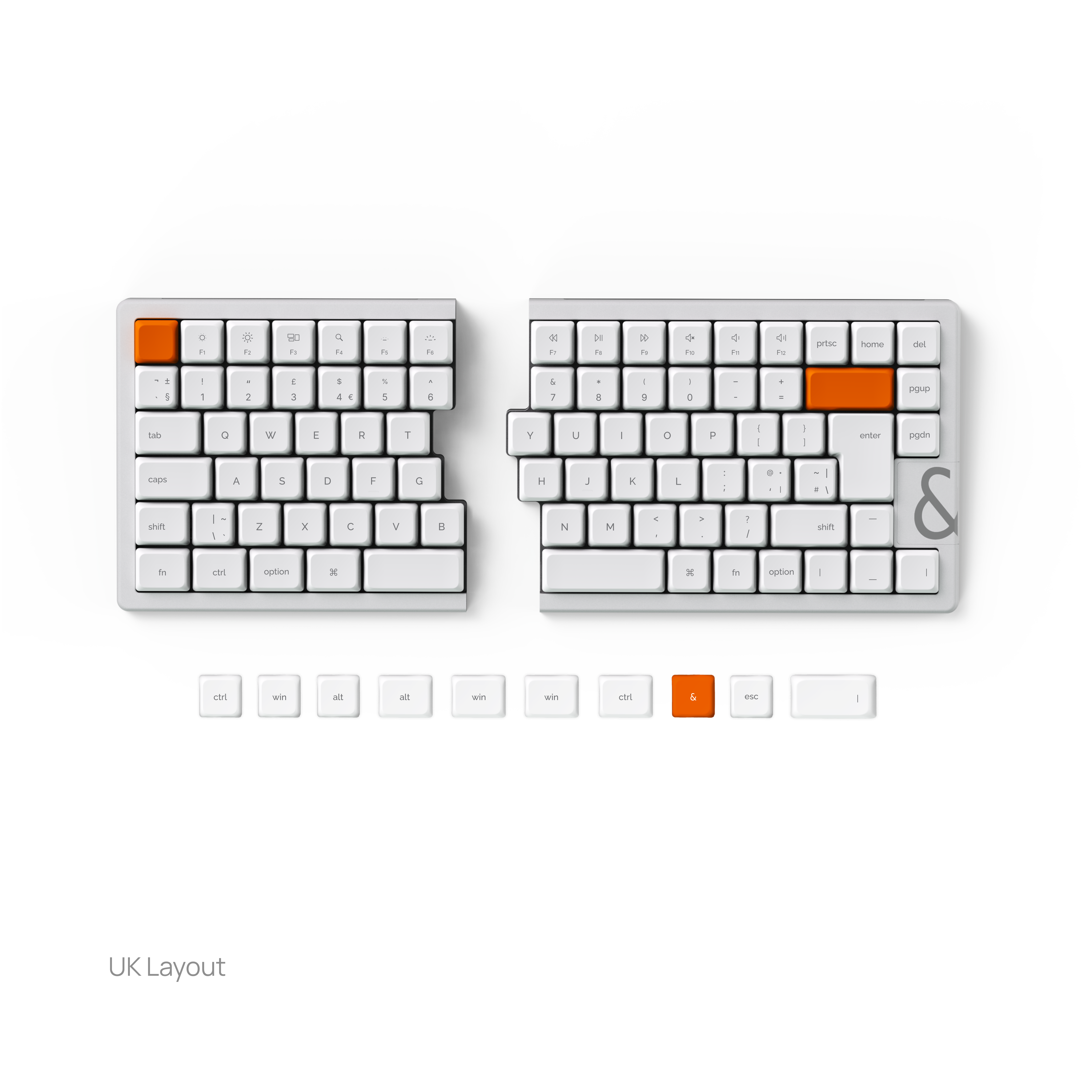
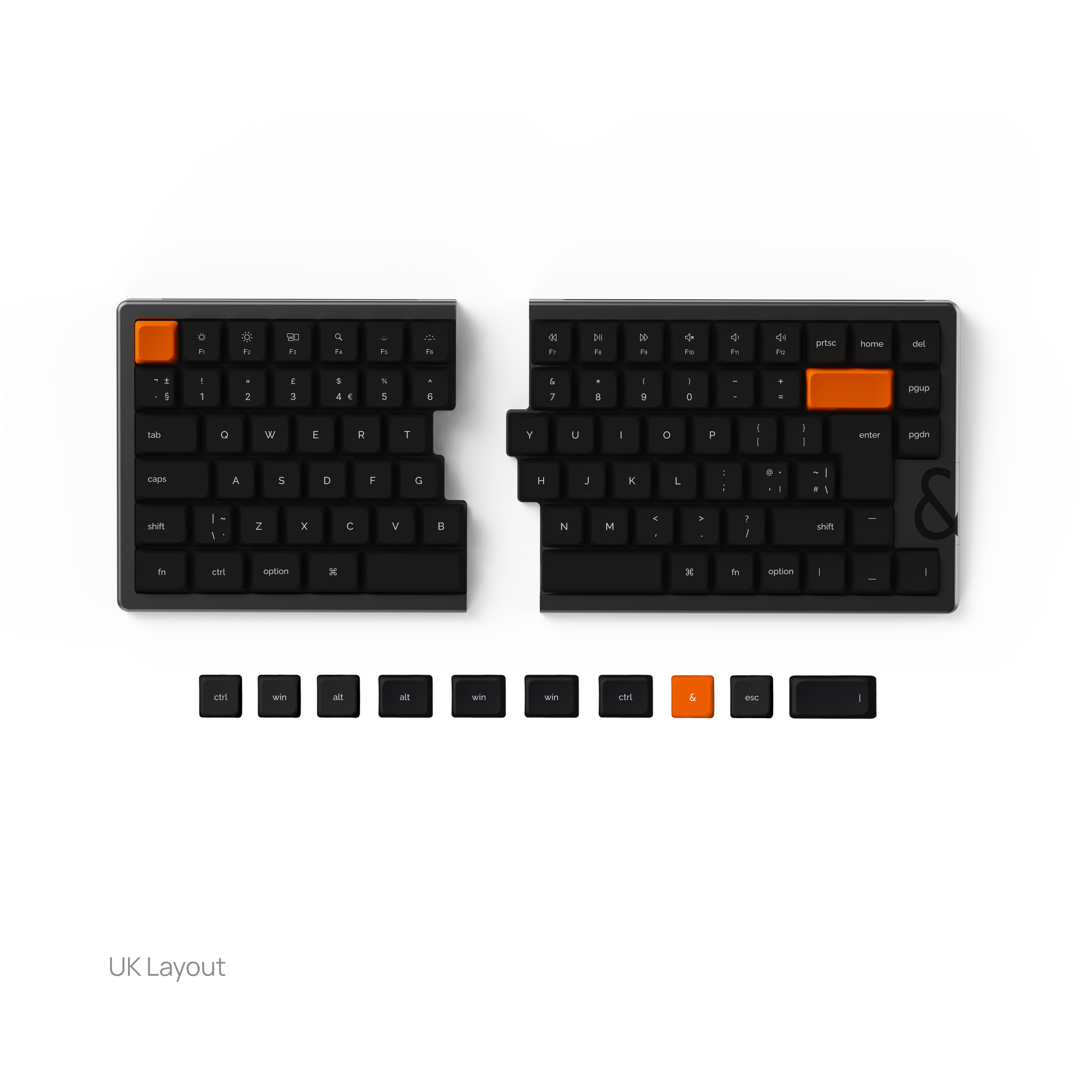
Does NocFree & support ISO layouts?
Yes. NocFree & is currently available in UK-ISO.
If you prefer a German (DE) or Nordic layout, you can purchase the UK-ISO keyboard together with the corresponding DE or Nordic keycap set.
What switches and keycaps are compatible with NocFree &?
NocFree & is compatible with Cherry and TTC low-profile switches.
For keycaps, it supports low-profile keycaps with an MX-compatible stem.
Shipping & Orders
Can I purchase the numpad separately?
Yes. The NocFree & Numpad is available separately and can be used on its own or paired with the NocFree & keyboard.
When used independently, it supports Bluetooth and wired USB connections. Standalone 2.4G mode is not supported.
How long will it take to get my orders?
All new NocFree & keyboard orders are for the second production batch and are expected to ship in November.
The updated Tenting Kit is sold separately and is also expected to ship in November. Accessories ordered with the keyboard will generally ship together.
November is the estimated dispatch month. Delivery time will depend on your destination and shipping transit time.
If you have any questions, please feel free to contact us. We will respond within 24 hours.



Ready to split?
Reconnect with your body, your space, your flow.