

NocFree & Keycap Redesign: Shape, Texture and Finish
A closer look at NocFree &’s redesigned low-profile PBT keycaps, with gently concave tops for clearer finger placement, a refined surface texture, and updates to the dye sublimati...

NocFree &: What We’ve Heard and What We’re Working On
A note to our first-batch customers about shipping, the issues you’ve shared, what we’re improving, and how to get help with your NocFree &.
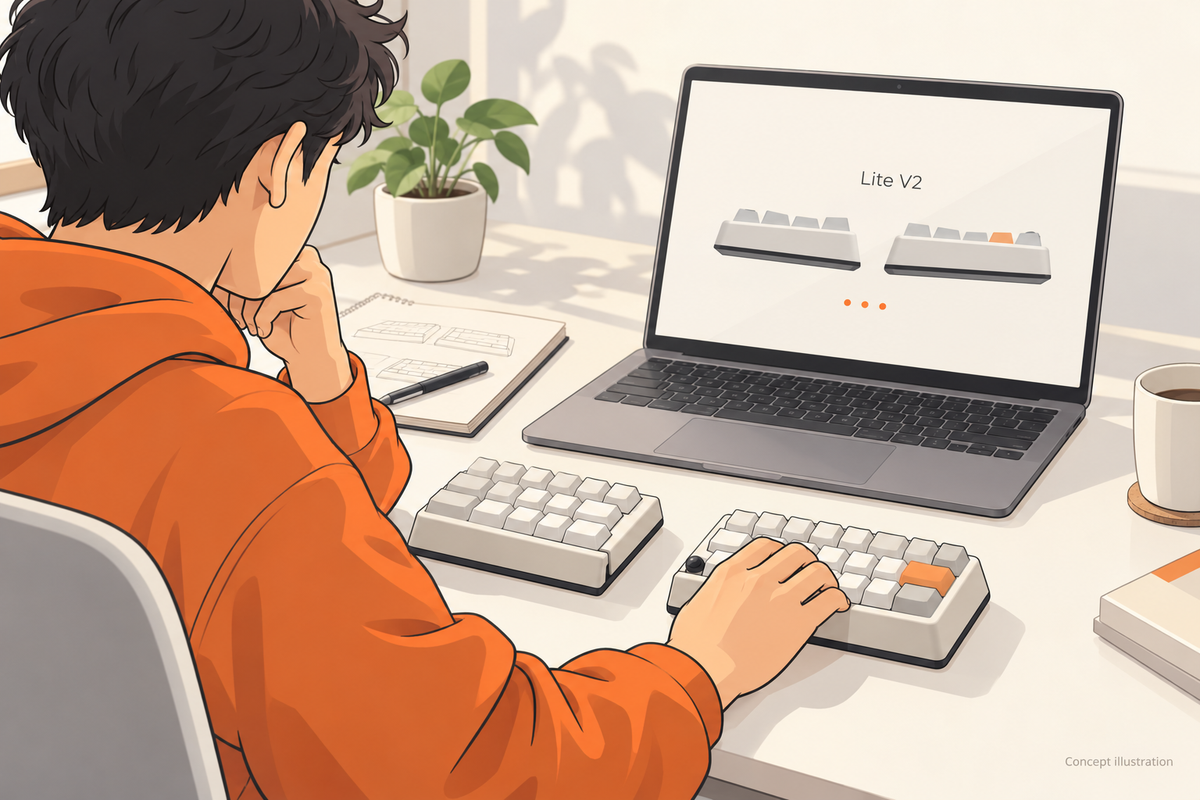
See what’s changing in NocFree Lite V2, from connectivity and layout refinements to a new built-in trackball, plus our latest shipping estimate.
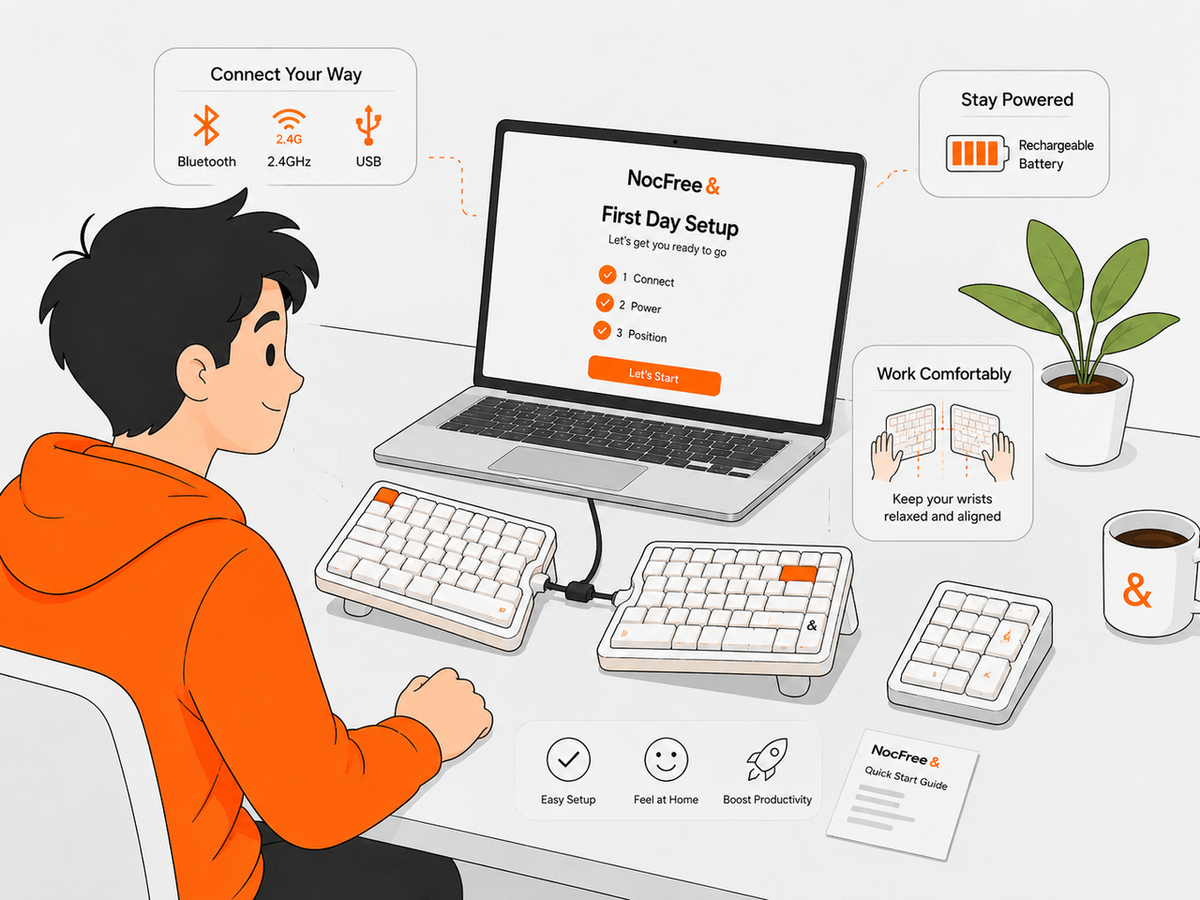
Your First Day with NocFree &: Everything You Need to Know
Just unboxed your NocFree &? Whether this is your first split keyboard or simply your first time using NocFree &, getting started only takes a few steps. In this guide, we’ll walk you t...
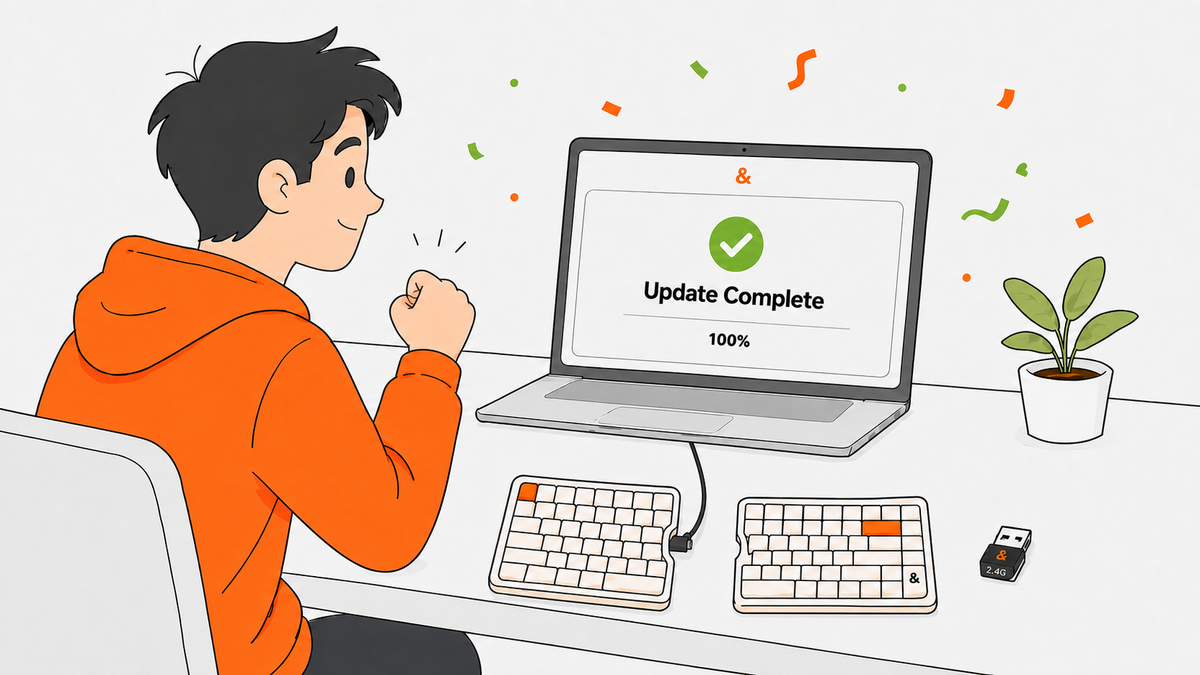
The Complete NocFree Firmware Update Guide
Update your NocFree & firmware and troubleshoot Bluetooth or 2.4G wireless connection issues with this step-by-step guide.