
Are Split Keyboards Hard to Use? 6 Common Concerns Explained
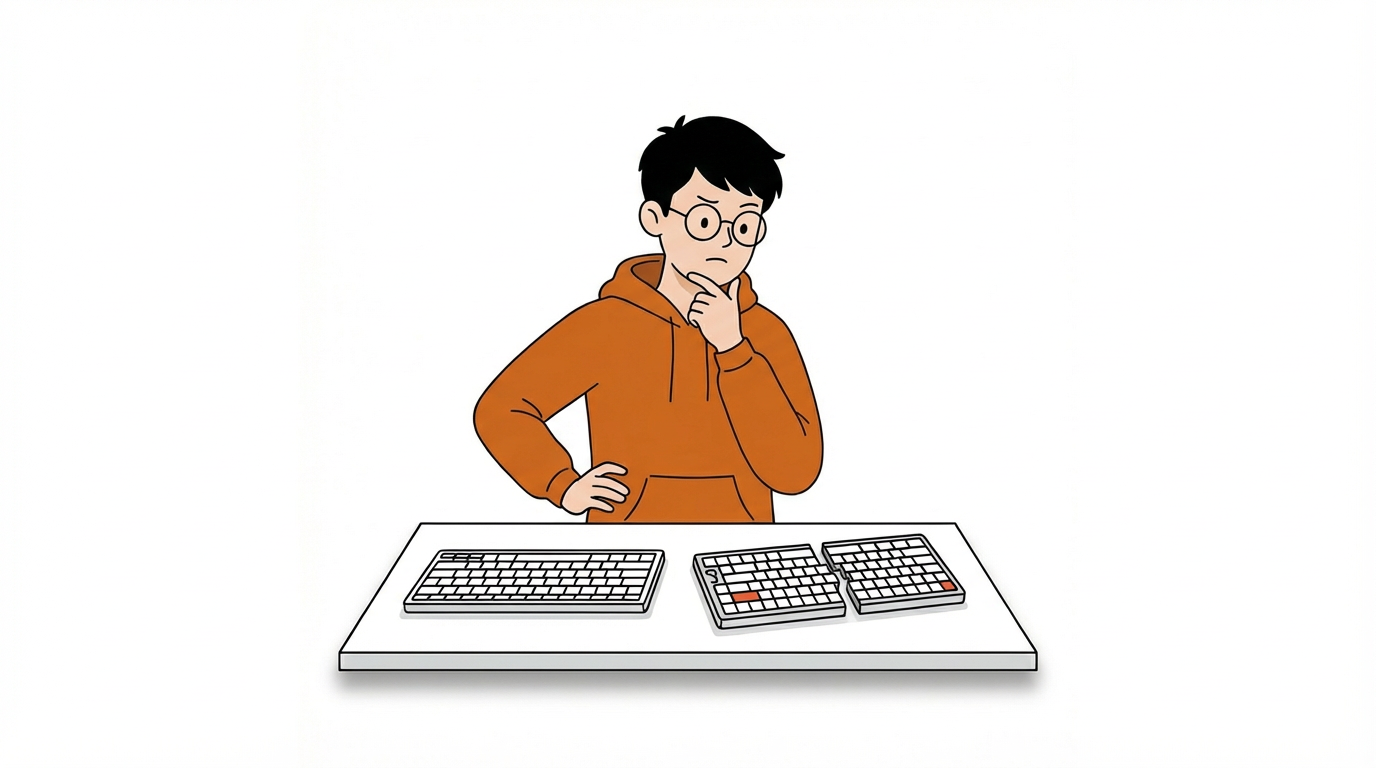
Maybe you’ve seen a split keyboard online. It looks clean and modern, but a little different from what you’re used to. Your first thought might be: “That looks cool.” Your second thought:“But would that actually work for me?”
If you’ve ever hesitated before switching to a split keyboard, you’re not alone. When people consider switching to a split keyboard, the same concerns come up again and again:
- Is there a steep learning curve?
- Are split keyboards hard to use?
- Will it clutter my desk with wires?
- Is setup complicated?
- Is it only for programmers?
- Can I still use it for gaming?
In this article, we’ll walk through six common concerns about split keyboards and explain what you can realistically expect before making the switch.

Myth 1: “Do I Have to Relearn How to Type?”
For many people, the biggest concern about switching to a split keyboard is the learning curve. No one wants to sacrifice productivity just to try a new keyboard.
A Familiar QWERTY Layout
Nocfree keeps the standard QWERTY layout intact.

Your Shift, Enter, and letter keys remain exactly where your muscle memory expects them. The keyboard is simply split down the middle, not rearranged. You’re not relearning how to type; you’re typing the same way and in a more natural position.
Regional Layout Options Matter
Typing habits vary by region. That’s why Nocfree supports multiple regional layouts. Familiar key placement reduces adjustment time and makes the transition smooth.
Myth 2: “Will I Forget How to Use a Normal Keyboard?”
Using a split keyboard doesn’t replace your typing ability. It simply changes your hand spacing and posture. When you return to a laptop keyboard, your hands naturally come back together. Most users switch between split and standard keyboards without difficulty.

Myth 3: “Are Split Keyboards Just DIY Geek Projects?”
Prebuilt split keyboards don’t require soldering or technical setup. You unbox it, connect it, and start typing just like any other keyboard. The goal is simple: ergonomic typing without the technical barrier.

Myth 4: “Will a Split Keyboard Clutter My Desk with Wires?”
Modern split keyboards use 2.4GHz wireless connectivity. The two halves sync without a visible cable between them, keeping your desk tidy and professional.

Myth 5: “Do Ergonomic Keyboards Have to Look Like Medical Equipment?”
Details matter. Natural materials like walnut palm rests add warmth and texture. Instead of looking like medical equipment, the setup feels intentional — part of your desk, not a tool from a lab.

Myth 6: “Are Split Keyboards Bad for Gaming?”
Modern 2.4GHz wireless connections offer low-latency performance that rivals wired keyboards. Plus, a split keyboard frees up more room for your mouse, especially useful for low-DPI gaming movements.

Final Thoughts
Modern split keyboards are designed to be intuitive, wireless, visually refined, and suitable for both work and gaming.
Ready to experience a more natural way to work?
Explore NocFree Collection(Happy Typing, from the Nocfree Team)



1 comment
Elimkeys
The split keyboards I’ve tried, like the Nocfree model, don’t clutter my desk. They’re wireless and adjustable, making them a breeze to set up and use. Perfect for those who want to avoid tangled wires. Discover the best ergonomic split keyboard today!
Leave a comment
This site is protected by hCaptcha and the hCaptcha Privacy Policy and Terms of Service apply.