
Quick Summary
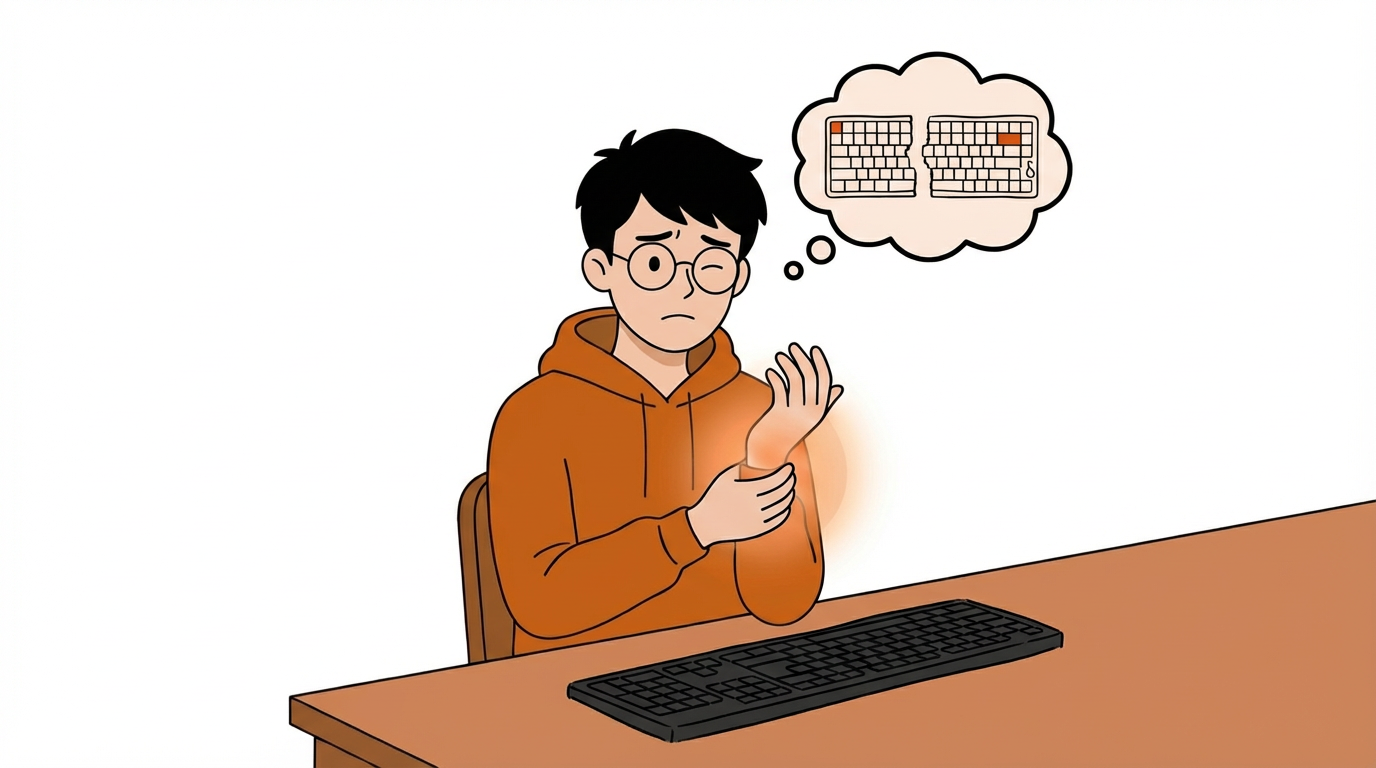
If your wrists feel sore, your fingers go numb, or long hours at the keyboard leave your arms feeling tight, you’re not imagining it. This article is our way of sharing why more people are moving to split keyboards — and how to think about the difference between NocFree Lite and NocFree &.
If you’ve been searching things like Do split keyboards actually help? or Can an ergonomic keyboard reduce wrist pain?or Why do my fingers go numb after typing? — chances are, this isn’t really just about keyboards. It’s about the fact that your body may already be telling you something about the way you work.
That’s where NocFree really began for us.
We didn’t set out to build a split keyboard because the format looked niche or interesting. We built one because so many people spend most of their day typing, and yet very few keyboards are designed around what long-term comfort actually feels like.
This isn’t meant to be a medical article, and it’s not here to make ergonomics feel intimidating. We simply want to share, as clearly and honestly as we can, why split keyboards feel so different once you start using one, why they can make a meaningful difference for people who type all day, and how to decide whether NocFree Lite or NocFree & makes more sense for your setup.
01.
Why do typing-related wrist pain, finger numbness, and forearm tension happen in the first place?
For most people, it doesn’t start with an injury. It starts with a feeling that something just doesn’t feel quite right anymore.
Maybe your wrists feel sore at the end of the day.
Maybe your fingers feel numb when you wake up.
Maybe after hours at your desk, your shoulders, forearms, and hands all feel tighter than they should.
A lot of that discomfort tends to fall under two familiar categories: RSI (repetitive strain injury) and carpal tunnel syndrome.
Broadly speaking, RSI is usually about muscles, tendons, and soft tissue being overworked through repeated movement over time. Carpal tunnel syndrome is more closely tied to pressure on the median nerve at the wrist, which is why it often shows up as numbness, tingling, or a mild electric feeling in the fingers.
We’re not doctors, and we’re not here to diagnose anything. But one thing does feel worth saying clearly:
A lot of physical discomfort isn’t about weakness. It’s about spending hours every day working in positions your body never really chose.
And the keyboard is a big part of that.

02.
Why are more people switching to split keyboards? Split keyboard vs Normal keyboard
To us, the real value of a split keyboard isn’t that it looks different. It’s that it gives your hands a chance to rest in a more natural position. The problem with a standard keyboard usually isn’t dramatic. It’s quieter than that. It asks your body to compromise a little at a time, day after day.
Your hands move inward.
Your wrists angle out.
Your forearms stay locked in one orientation.
Your mouse ends up farther away than it should be.
None of those things feel huge on their own. But if you work like that for hours a day — and for years at a time — they add up.
That’s what a split keyboard can change.
It lets you separate your hands so your shoulders can relax a little more.
It lets you find an angle that feels more natural to your body.
It lets your desk work with you instead of against you.
One of the most common reactions people have when they first try a split keyboard isn’t This is cool. It’s something closer to:
Oh. This feels more natural than I expected.
03.
What makes a split keyboard more ergonomic?
1. Your hands don’t have to crowd toward the center
This is one of the biggest differences right away.
When you’re standing naturally, your hands don’t sit close together in front of your body. They rest more in line with your shoulders. But on a standard keyboard, your hands are usually pulled inward.
For a lot of people, that position isn’t especially natural. Over time, it can contribute to tension in the shoulders, upper body, and forearms.
A split keyboard gives you more freedom to place each half where your body actually wants it, instead of forcing everything into one fixed layout.
That mattered to us a lot when designing both NocFree Lite and NocFree &. We didn’t want to make keyboards that demanded more adaptation from the user. We wanted to make keyboards that adapted better to the user instead.

2. It becomes easier for your wrists and forearms to relax
This is one of those things people don’t always notice immediately, but it has a real effect over time.
When your palms are flat and fully turned downward for hours at a time, your forearms stay in a position that can create subtle, constant tension. That’s part of why tenting exists in ergonomic keyboard design in the first place: it helps your hands and forearms rest in a posture that feels more natural.


NocFree Lite uses a fixed 10° tenting angle, carefully chosen to provide a comfortable and natural typing posture right out of the box.

3. It changes your mouse position — and that changes more than people expect
A lot of people think wrist discomfort starts and ends with the keyboard. In reality, mouse position matters too.
On a full-size keyboard, the number pad pushes the mouse farther to the right. That means your arm reaches farther, your shoulder follows, and your posture becomes slightly uneven for long stretches of time.
It may not feel dramatic in the moment, but it can absolutely shape how your body feels by the end of the day.
So when we think about ergonomics, we don’t only think about the keyboard itself. We think about the whole desk setup and how everything works together.
NocFree Lite is lighter and more compact, which helps bring the mouse closer to your natural centerline.
NocFree & offers a more flexible overall setup: when you need more function, it’s there, and when you don’t, you can keep your workspace more open and balanced.
For many people, that ends up being one of the most quietly important changes.
4. Comfort also comes down to how each keystroke feels
Ergonomics isn’t just about where your hands sit. It’s also about what repeated typing actually feels like over the course of a day.
If every keypress feels heavy, stiff, or just a little more effortful than it needs to be, your body notices. And over time, those tiny differences stop feeling tiny.
That’s why NocFree & features our in-house developed Rime switch, designed specifically for long typing sessions. Our goal was simple: make every keystroke feel smoother, lighter, and easier on your hands over time. And with NocFree Lite, we kept hot-swappability because comfort isn’t one-size-fits-all. What feels easy for one person may not feel right for someone else.
At the end of the day, we weren’t trying to make a keyboard that simply looks impressive on a spec sheet. We wanted to make one that leaves your body feeling less drained after a full day of work.
04.
How do you choose between NocFree Lite and NocFree &?
We get this question a lot. And honestly, the simplest answer is this:
NocFree Lite is the easier place to start
If you’re new to split keyboards, or if you move between different workspaces — home, office, café, shared desk — NocFree Lite will likely feel like the more approachable option.
It’s lighter, simpler, and easier to ease into.
You don’t need to be deeply into ergonomics to understand why it feels better.
It’s a good fit for people who already know their standard keyboard isn’t doing them any favors, but don’t want the whole switch to feel too technical or overwhelming.
NocFree & is built more like a long-term main setup
If you already know you spend long hours typing, or you’re trying to build a more intentional and comfortable desk setup for the long run, NocFree & may make more sense.
It gives you a more complete experience overall, with more structure and flexibility built in.
It’s designed for people who want their keyboard to feel like part of a long-term workflow, not just something they occasionally experiment with.
Some people want a softer entry point. Others already know they want to build around a better setup from the start.
That’s really the difference between Lite and &.

05.
The most common concerns people have before buying a split keyboard
Is it hard to get used to?
This is usually the first question people ask.
But what most people are really asking is: What if I buy it and never quite adapt to it?
Our experience has been that if the layout still feels familiar, the adjustment period is usually much shorter than people expect. You’re not relearning how to type. You’re mostly letting your hands sit in a more natural position than they did before.
So yes, there’s an adjustment period. But for most people, it’s far less intimidating than it sounds.
Can you still use it for gaming?
Absolutely — and for some people, it actually feels better.
Because the keyboard is split, the center of your desk opens up. That gives your mouse more room to move and lets the whole setup feel a little less constrained.
If mouse space matters to you, that alone can make a noticeable difference.

Is it really worth it?
That depends on how much time you spend at your keyboard.
If you only type occasionally, the difference may feel modest. But if you spend hours every day writing, coding, editing, designing, switching windows, or working across multiple devices, then your keyboard is one of the tools your body interacts with most.
That’s why we’ve never thought of split keyboards as flashy or indulgent.
To us, they’re a long-term investment in how work feels.
A monitor changes what you see right away. A keyboard is subtler than that.
But over time, it can change how your body feels at the end of the day in a way that really matters.

Frequently Asked Questions
Q: Can a split keyboard actually help with wrist pain?
A: It’s not a medical treatment, but it can help bring your hands and forearms into a more natural position and reduce unnecessary strain during long typing sessions. For many people, that leads to a noticeable improvement in comfort.
Q: Is an ergonomic keyboard the same thing as a split keyboard?
A: Not exactly. “Ergonomic keyboard” is the broader category, and split keyboards are one type within it. Split designs are especially popular because they make it easier to position your hands more naturally.
Q: How long does it take to get used to a split keyboard?
A: That depends on your habits and the layout. For most people, if the layout still feels familiar, the adjustment period is shorter than expected.
Q: How do I choose between NocFree Lite and NocFree &?
A: If you want an easier entry point and more flexibility across different spaces, go with NocFree Lite. If you want a more complete long-term setup, NocFree & is likely the better fit.
Q: If my hands already go numb, is switching keyboards enough?
A: If you’re already experiencing frequent numbness, tingling, nighttime discomfort, or loss of grip strength, it’s best to talk to a qualified medical professional. A better keyboard and desk setup can improve your environment, but they can’t replace proper evaluation or care.
One last thing, from the founder
We didn’t build NocFree because split keyboards felt trendy. What stayed with us was something much simpler than that:
so many people spend an enormous part of their lives working, yet rarely stop to ask whether the tools they use every day are actually kind to their bodies.
A keyboard won’t solve everything. But if it helps your shoulders feel less tense, your wrists feel less tired, and your forearms feel less tight by the end of the day, that matters.
So if you’ve been paying more attention to things like split keyboards, ergonomic keyboards, wrist pain, RSI, or carpal tunnel pressure, that doesn’t necessarily mean you’re overthinking it. It may simply mean your body is asking for a better way to work.
If that resonates with you, explore the differences between NocFree Lite and NocFree & on our website and find the one that fits your setup best.
Ready to Elevate Your Setup?
If you have any further questions or need personalized advice, feel free to leave a comment below or contact our support team directly.
Shop NocFree Series →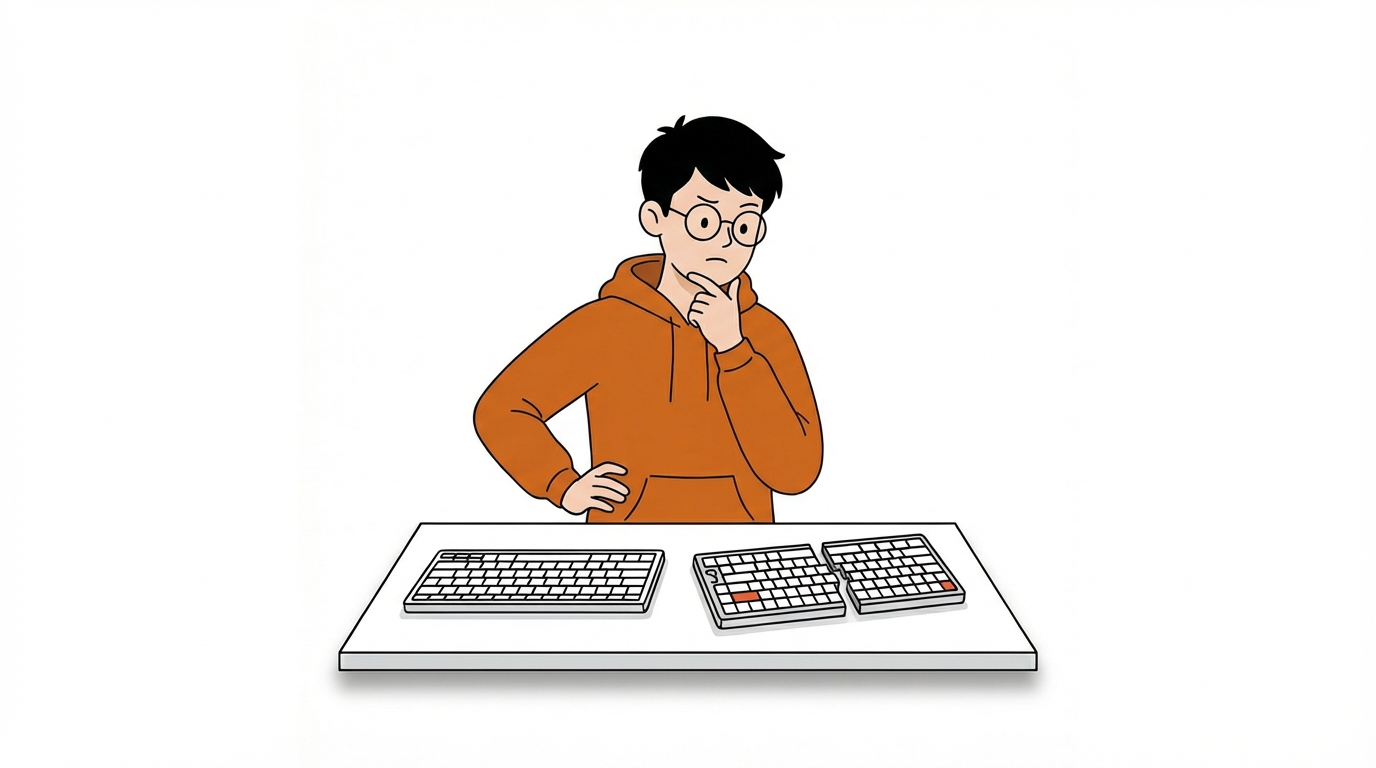


Leave a comment
This site is protected by hCaptcha and the hCaptcha Privacy Policy and Terms of Service apply.